
At 27 inches, choosing a monitor is not mainly about finding the largest refresh-rate badge. It is a choice between more working pixels, a stand that fits your posture, and the lowest sensible spend. Our best overall pick is MSI PRO MP275Q E14 at RM639 for its 2560×1440 workspace. MSI PRO MP275 E14L at RM459 is the value option for a basic HDMI desktop. MSI PRO MP275PG E14 at RM519 makes more sense when adjustable positioning and a DisplayPort connection matter more than sharper text.
These are three distinct black 27-inch IPS models, not different colours of one screen. All reach 144Hz, so the price ladder does not buy a faster refresh tier. This is a source-led buying guide, not a hands-on panel test: contrast consistency, actual pixel response and factory colour accuracy have not been measured by us. Malaysian official-store variants were available at the stated prices on 18 October 2026, before vouchers and delivery.
What your money changes
| Model / price | Pixels / refresh | Inputs | Stand | Sound / mount | Choose for |
|---|---|---|---|---|---|
| MP275 E14L / RM459 | 1920×1080 / 144Hz | 1 HDMI2.0 + VGA | Tilt only | 2×2W / 100×100mm | Value HDMI desktop |
| MP275PG E14 / RM519 | 1920×1080 / 144Hz | HDMI2.0 + DP1.2a + VGA | Height130mm; swivel; pivot | 2×2W / 100×100mm | Posture / more inputs |
| MP275Q E14 / RM639 | 2560×1440 / 144Hz | 2 HDMI2.0b + DP1.2a | Tilt only | 2×2W / 100×100mm | Text / multi-window |
MSI PRO MP275 E14L: value when Full HD is enough
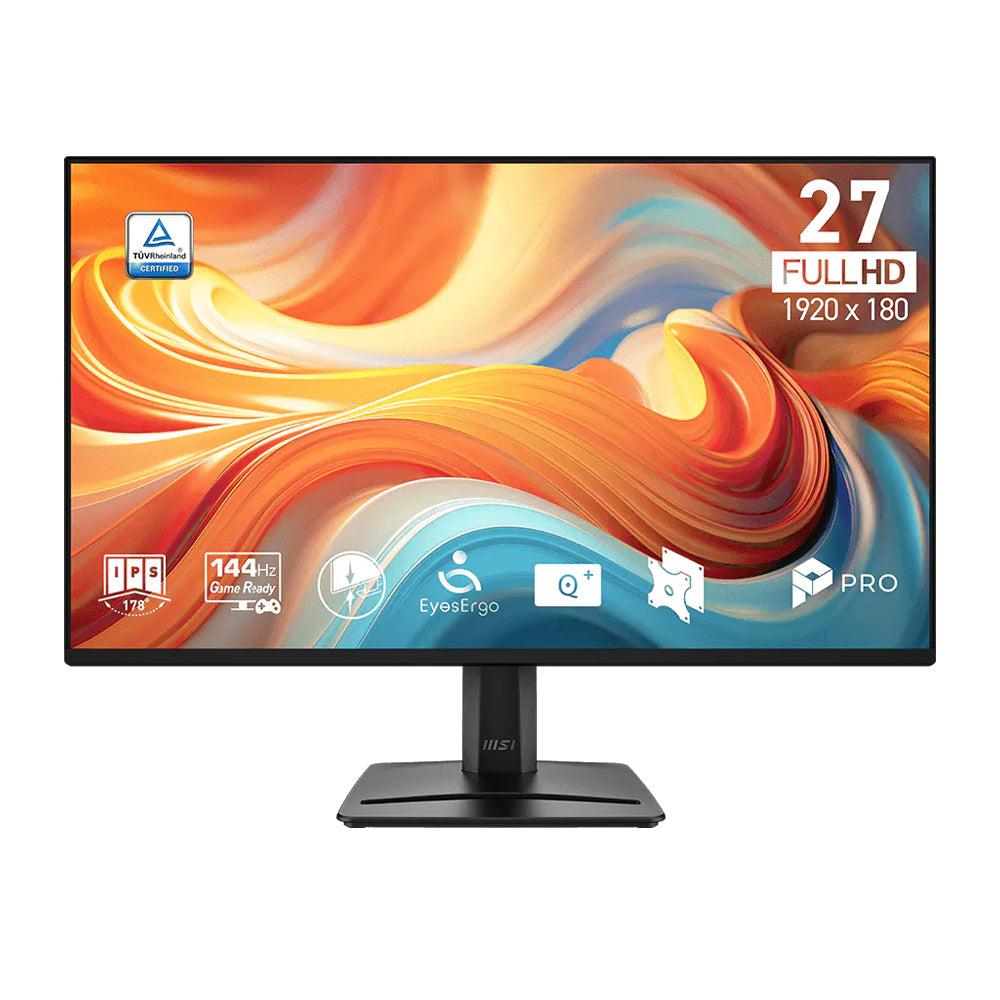
The E14L pairs 1920×1080 resolution with a 144Hz IPS panel, 300cd/m² specified brightness and a 1500:1 contrast specification. Its one HDMI 2.0 input supports Full HD at up to 144Hz; VGA is limited to Full HD at 60Hz. This distinction matters for an older office PC: a VGA socket lets you keep the computer connected, but does not make that connection high-refresh. Use HDMI and select the refresh rate in your operating system.
Pros: low entry price, useful legacy input
RM459 buys the same physical diagonal and nominal refresh rate as the more expensive pair, plus two 2W speakers for alerts or occasional calls. The 100×100mm VESA pattern permits a compatible arm later. If your applications use large interface elements, or you mainly watch Full HD video from across a desk, the extra pixels of the Q model may be less valuable than keeping RM180 for other equipment.
Cons: the stand and pixel density are basic
The supplied stand tilts from −5° to 20° but does not offer the PG model’s height and pivot adjustments. Full HD spread over 27 inches has approximately 82 pixels per inch: small text can look coarse at close range. Buy E14L for a budget-led desktop with HDMI and a comfortable existing screen height. Avoid it for dense spreadsheets, code sidebars or close-up text work when a higher-resolution screen is affordable. It has no DisplayPort input; do not order it for a DP-only PC without checking a suitable adapter.
MSI PRO MP275PG E14: the posture-first alternative
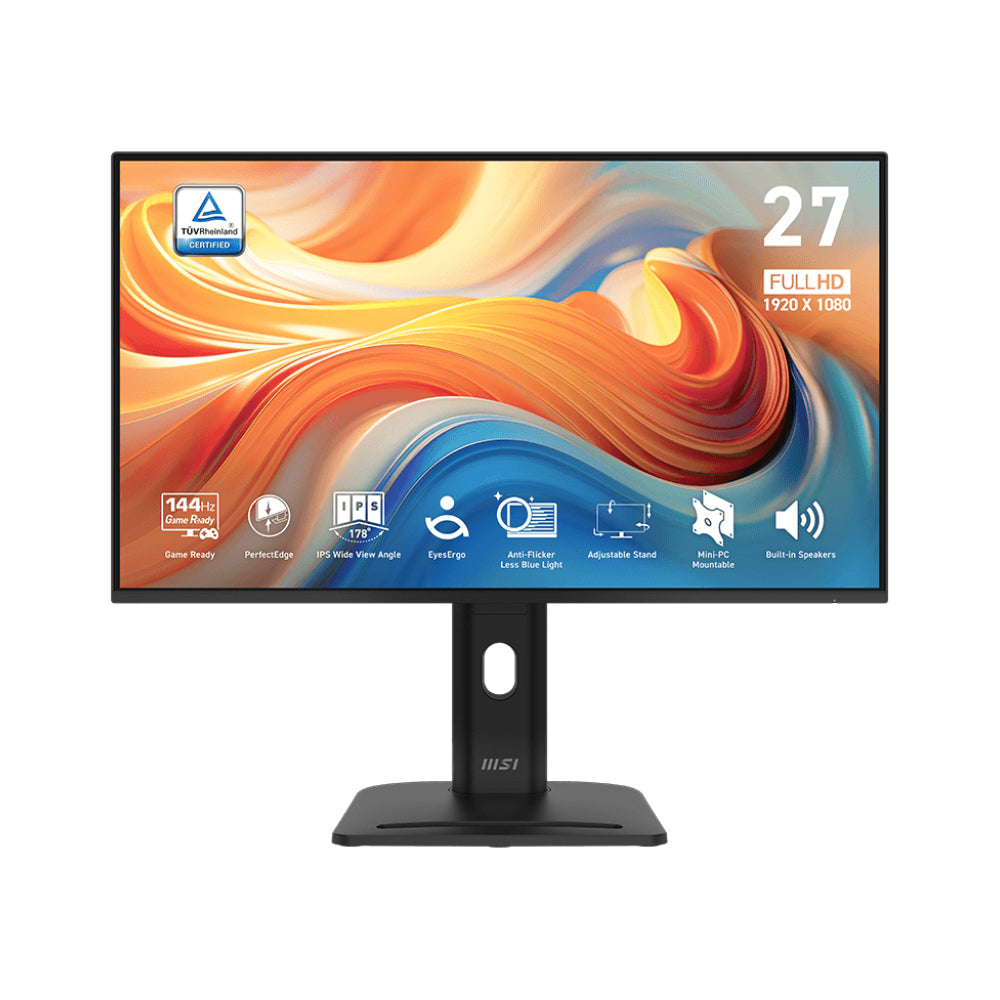
The PG retains 1920×1080 and 144Hz, but changes how the screen can be positioned. MSI’s current manufacturer specification lists 130mm of height adjustment, swivel from −45° to 45°, pivot from −90° to 90°, and tilt from −5° to 20°. That makes the RM60 difference from E14L unusually easy to justify when the fixed stand would otherwise force you to buy a separate riser or arm.
Advantages: adjustability without buying an arm
DisplayPort 1.2a joins HDMI 2.0 and VGA, providing a useful option for office graphics cards and desktops already using HDMI elsewhere. HDMI and DisplayPort can carry the advertised Full HD 144Hz signal; VGA remains a 60Hz route. Portrait positioning can suit long documents, but it does not create additional pixels. You still get a Full HD canvas, simply rotated. The 100×100mm VESA option remains available if a different mounting arrangement is needed.
Drawbacks: paying more does not sharpen the picture
PG is not the sharper sibling: its pixel pitch remains 0.3114mm, just like E14L. Its Malaysian store table lists 250 nits while the current manufacturer page lists 300; because those sources disagree, we would not buy it for a claimed brightness advantage. Confirm the local unit’s revision if brightness is critical. There is no USB hub or USB-C charging feature listed. Buy PG for a shared desk, posture adjustment or the extra input; skip it if your monitor arm already solves positioning and your priority is text detail.
MSI PRO MP275Q E14: the useful resolution upgrade
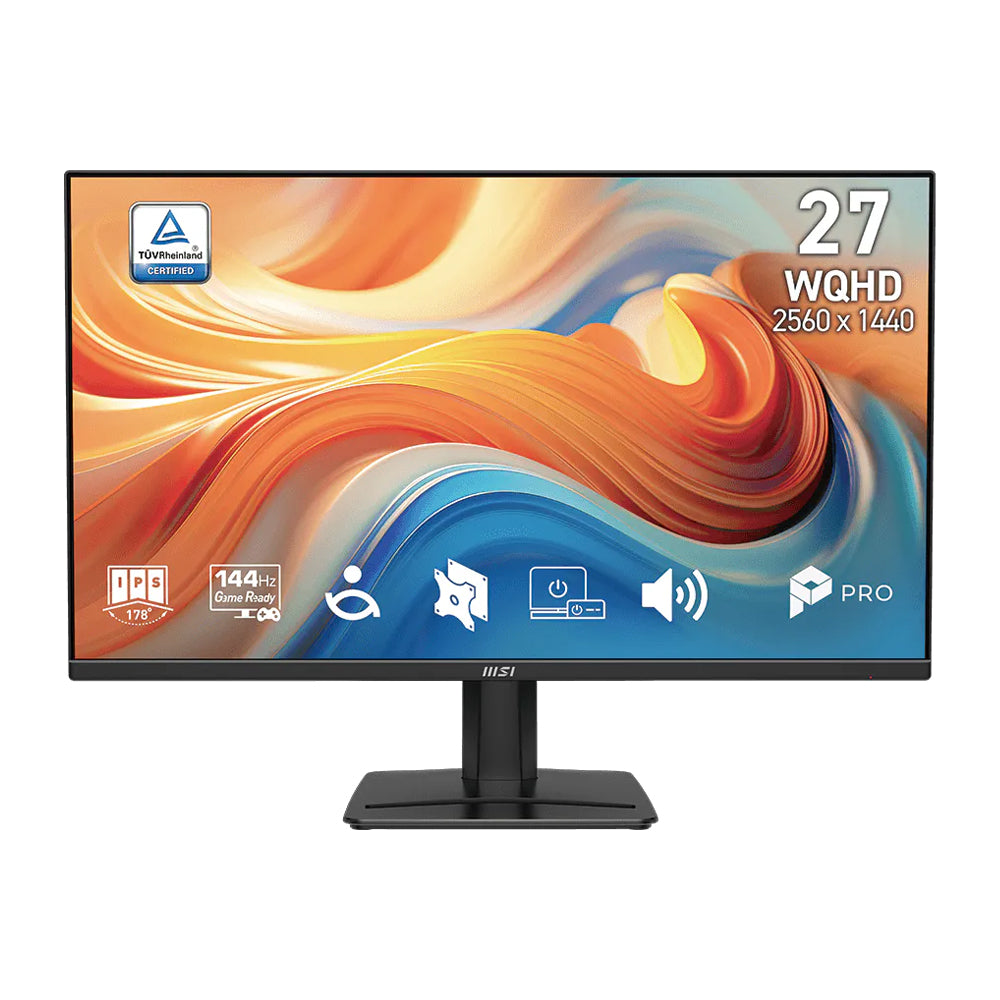
The Q model raises resolution to 2560×1440 while keeping 144Hz IPS, 300cd/m² rated brightness and 1500:1 specified contrast. That is about 78% more pixels than 1920×1080, not a claim of 78% more productivity. At roughly 109 pixels per inch, it gives a much more convincing reason to choose a 27-inch desktop display when browser tabs, spreadsheets and text are a large part of the day. Appropriate Windows or macOS scaling still depends on eyesight and seating distance.
Pros: more desktop room and three digital inputs
Two HDMI 2.0b ports and one DisplayPort 1.2a let you connect several digital sources without the PG’s VGA emphasis. The official specification allows WQHD at up to 144Hz over HDMI and DisplayPort. Against E14L, the RM180 premium buys real extra display information; against PG, RM120 trades the adjustable stand for a higher-resolution panel. Two 2W speakers and 100×100mm VESA mounting cover the same basic desk conveniences.
Cons: the stand still only tilts
Q does not inherit the PG stand merely because it costs more. Its supplied tilt range is −5° to 20°, so budget for an appropriate arm or riser if your desk demands height correction. Rendering games at 1440p also asks more of a graphics card than 1080p. The 1ms MPRT and 4ms GtG specifications are different measures, not proof that every transition finishes in one millisecond. Buy Q for mixed office work, clearer text and occasional gaming on a capable system; avoid paying for it when your source only outputs Full HD or an ergonomic stand is the immediate need.
Malaysia purchase checks that matter
The official Malaysian store states three years of warranty for all three selected offers. Confirm the invoice entity, local-set entitlement, dead-pixel policy, claim location and who pays courier charges before buying. A three-year statement does not automatically mean three years of on-site replacement or cover for every pixel defect. For Kuching and other East Malaysian destinations, the final shipping price and packing arrangements should be checked at checkout; no delivery date has been independently promised here.
Check the computer’s actual outputs and resolution support before paying. A USB-C laptop needs a compatible video-capable adapter or dock because none of these models is advertised as a USB-C power-delivery monitor. HDR Ready is an input-compatibility description, not evidence of premium local-dimming HDR. The speakers are small built-ins, not a substitute for a conference speakerphone. Do not compare a discounted 100Hz older MP275 listing with these exact E14 models as if they were identical.
Verdict: spend on the constraint you actually have
Choose MP275Q E14 as our overall recommendation when RM639 fits and text or multi-window work dominates. Take MP275 E14L for the RM459 value route if HDMI, Full HD and fixed height are acceptable. Pick MP275PG E14 when the RM60 step buys the adjustable stand you would otherwise need separately. A 24-inch Full HD monitor remains a practical alternative for a small desk or tighter budget; a USB-C docking monitor is a different category for a one-cable laptop setup. None of these is automatically a professional colour-reference screen simply because it uses IPS.
Pingback: 27吋电脑屏幕怎么选?MSI MP275 E14L、PG E14与Q E14比清晰度和支架 - Eazy Picks