
Buy for your camera app, not the longest feature list
A smartphone gimbal is a motorised camera support, not a game controller or a replacement phone camera. Its value comes from keeping the camera’s direction controlled while you move, or following a presenter while the handle rests on a tripod. For Malaysian buyers in October 2026, our strongest all-round recommendation is the DJI Osmo Mobile 7P at the observed RM389 offer. The DJI Osmo Mobile 7 is the value pick at RM229; Insta360 Flow 2 Pro in the white Standard Kit, RM759, is the specialist choice for compatible iPhone users who want Apple DockKit and continuous pan movement. These are source-based recommendations, not claims from hands-on testing.
Prices and selectable stock were checked on 3 October 2026. DJI Store Malaysia showed both DJI models available in their product data and offered Add to cart. KTS showed its Summit White Standard Kit variation in stock at RM759. Offers can change. The two DJI models are not colour-only duplicates: the 7P adds a built-in extension rod, side wheel and supplied Multifunctional Module, whereas the base 7 prioritises a lighter, cheaper setup.
The differences that decide the purchase
| Model / checked price | Phone width / mass | Phone thickness | Tracking outside brand app | Selfie reach / support | Battery qualification | Best use |
|---|---|---|---|---|---|---|
| DJI Osmo Mobile 7 — RM229 | 67–84 mm / 170–300 g | 6.9–10 mm | Optional Multifunctional Module; not included in base comparison | Built-in tripod; no built-in extension rod | Approx. 10 h balanced, stationary, without accessories | Low-cost stabilised filming in DJI Mimo |
| DJI Osmo Mobile 7P — RM389 | 67–84 mm / 170–300 g | 6.9–10 mm | Supplied Multifunctional Module | Built-in tripod; 215 mm extension rod | Approx. 5 h module tracking, light off; 4 h with maximum light | Solo presenting across camera apps |
| Insta360 Flow 2 Pro White Standard Kit — RM759 | 64–84 mm / 130–300 g | 6.9–10 mm | Apple DockKit on compatible iPhone; separate AI Tracker for other supported workflows | Built-in tripod; 210 mm selfie stick | 10 h at 25°C, balanced on flat surface, tracking ring light off | DockKit workflow and continuous pan |
DJI Osmo Mobile 7: spend less if you stay in Mimo
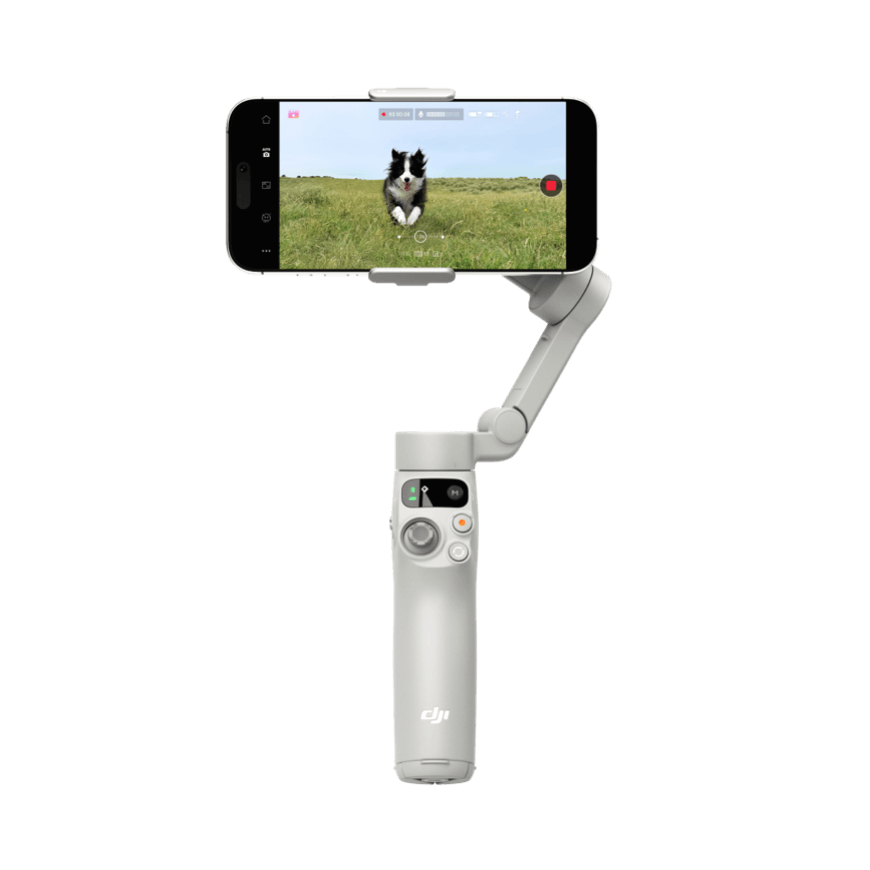
The base 7 combines three-axis stabilisation, ActiveTrack 7.0 through DJI Mimo and a built-in tripod. DJI specifies approximately 300 g including the magnetic clamp and tripod. That is a useful reason to choose it for a small everyday filming bag rather than automatically buying the larger package. However, the retailer’s shared marketing bullets mention an extension rod: DJI’s model-specific specification explicitly says the 7 has no built-in rod. We follow the manufacturer on that distinction.
Pros
The RM229 offer saves RM160 against the 7P and keeps the essential stabilisation hardware. A built-in tripod lets a solo user put the camera down without buying a basic support separately. Buyers willing to record through Mimo can use its tracking rather than paying immediately for a hardware tracking module.
Cons
Native-camera or third-party-app tracking should not be assumed from the base kit. The optional Multifunctional Module changes both the purchase cost and runtime. No built-in rod means reaching higher or fitting more people into a selfie requires different positioning. Buy it for handheld clips and Mimo-assisted filming; avoid it if your paid workflow specifically needs app-independent tracking or extended selfie reach.
DJI Osmo Mobile 7P: the most useful RM160 upgrade
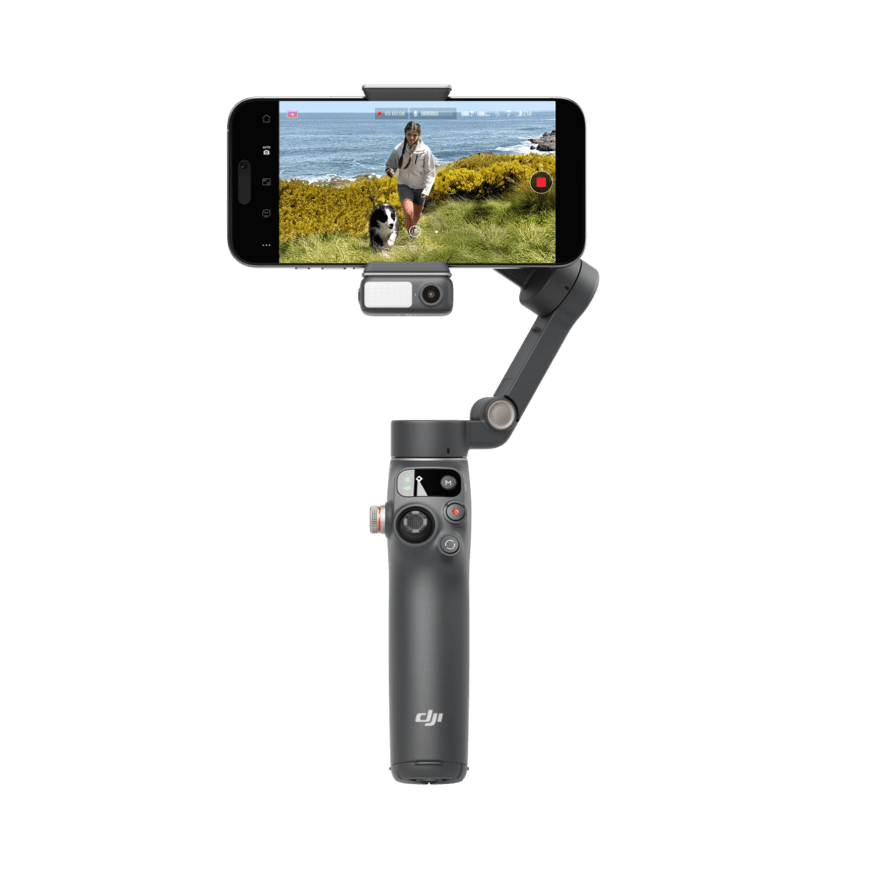
The 7P is the balanced recommendation because its supplied Multifunctional Module brings tracking to supported native-camera and other camera-app workflows without requiring Mimo for every recording. The 215 mm rod changes framing options, and the side wheel adds zoom/focus control. DJI lists approximately 368 g with tripod, clamp and module: more to carry than the 7, but a meaningfully more complete solo-production tool rather than a cosmetic step up.
Pros
A presenter recording demonstrations gets a concrete benefit from the tracking accessory being in the package. The module’s fill light can help illuminate a nearby subject, while the rod makes eye-level positioning easier. At this observed price the RM160 increment buys equipment and controls you otherwise have to omit or investigate separately.
Cons
The headline ten-hour figure is measured balanced and stationary without accessories. With module tracking enabled and the light off, DJI gives about five hours; maximum light with tracking reduces that to about four. Charging a phone from the gimbal shortens runtime further. Choose the 7P for frequent solo videos; skip the upgrade if you never need its rod, light or external-app tracking. Confirm the seller’s exact box contents rather than trusting a generic series banner.
Insta360 Flow 2 Pro White Standard Kit: pay for a specific iPhone workflow
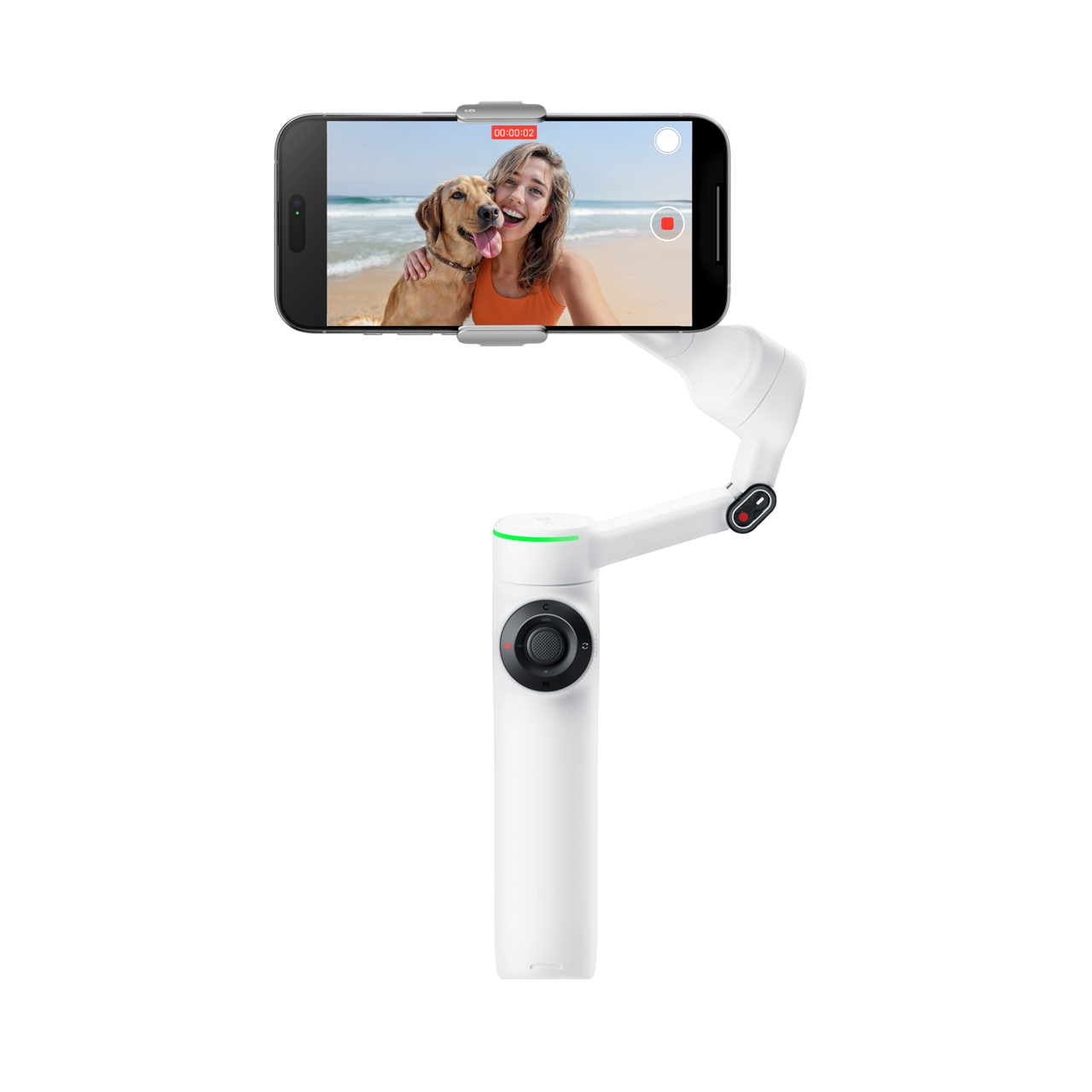
Flow 2 Pro offers three-axis stabilisation, Deep Track 4.0 in Insta360’s app, a selfie mirror, a built-in stick and continuous 360° pan. Its distinctive purchasing argument is Apple DockKit. The official current store FAQ requires iPhone 12 or later with iOS 17 or higher, excluding iPhone SE third generation and iPhone 16e. DockKit tracks people; it is not the same tracking system as the app’s people, animal and object features.
Pros
Compatible iPhone owners can keep a supported native or third-party recording workflow rather than moving everything into the manufacturer app. Continuous pan is useful when a presenter moves around a stationary setup. The official clamp range also starts at 130 g and 64 mm, below DJI’s published minima, potentially accommodating smaller phones within all other limits.
Cons
The RM759 Standard Kit is RM370 above the 7P. It does not include the AI Tracker, and KTS’s AI Tracker Kit was marked out of stock, so Android buyers should not budget as though universal external-app tracking is included. The ten-hour battery test uses a balanced gimbal at 25°C with the tracking ring light off. Buy for DockKit and pan flexibility; avoid paying this premium just to stabilise occasional Android clips.
Malaysia checkout and the final decision
Measure the phone with the case and accessories you intend to leave attached; a wide case or lens can fail the clamp’s width, thickness or mass limit even when the bare phone passes. Confirm camera/app compatibility as well as physical fit. None of these recommendations implies protection from rain or permission to run with a magnetically mounted phone during high-impact activity.
DJI Store Malaysia advertises official warranty but the inspected pages did not establish its duration or the claim procedure; obtain that in writing. KTS states a one-year original Insta360 Malaysia warranty and advertises free West Malaysia shipping with RM15 East Malaysia shipping. Confirm checkout charges, dispatch timing and return rules for your postcode, especially Sarawak or Sabah; available online stock is not a guaranteed next-day delivery promise. Keep the invoice and ask who handles a motor or clamp fault.
Choose the 7P for the most complete value at these prices, the 7 to minimise spending, and Flow 2 Pro only when its compatible DockKit/continuous-pan workflow earns the extra RM370. Recheck live kit contents before using vouchers: a cheaper listing without the required tracking accessory can be the more expensive purchase in practice.