
Before buying an external SSD, inspect your computer’s port specification. A USB-C connector describes the plug, not the link speed. A compact drive advertised at 2,000MB/s will not deliver that headline on every USB-C laptop, and a Thunderbolt label does not automatically establish USB 3.2 Gen 2×2 support. Your host, cable, hub, workload and file system all sit between the box claim and a finished copy.
At the Malaysian offers reopened on 3 October 2026, our best overall choice is ADATA SD810 1TB Black at RM859: just RM10 more than the smaller SE880, with documented sealed-port protection. ADATA SE880 1TB Titanium Gray at RM849 is the value pick for dry desk and light travel use. SanDisk Extreme Portable SSD 1TB Black at RM1,099 is a situational choice for buyers wanting its supported password-protection and AES hardware-encryption route. We have not benchmarked these units.
Compare interfaces, not just headline megabytes
| Exact 1TB offer | Interface ceiling | Advertised read / write | Protection | Size / portability | Security distinction | Manufacturer warranty |
|---|---|---|---|---|---|---|
| SD810 Black / RM859 | USB 3.2 Gen 2×2, 20Gbps | Up to 2,000 / 2,000MB/s | IP68 with cover firmly closed; 1.22m controlled drop test | 72.7 × 44 × 12.24mm; 41.7g | No hardware-encryption claim established | 5-year limited |
| SE880 Titanium Gray / RM849 | USB 3.2 Gen 2×2, 20Gbps | Up to 2,000 / 2,000MB/s | No verified IP rating | 64.8 × 35 × 12.25mm; 31g | No hardware-encryption claim established | 5-year limited |
| SanDisk Extreme E61 Black / RM1,099 | USB 3.2 Gen 2, 10Gbps | Up to 1,050 / 1,000MB/s | Seller says IP55; current catalogue IP65; confirm stock revision | Loop-equipped portable body | Password protection; 256-bit AES hardware encryption | 5-year limited |
SD810: the strongest price-to-protection balance
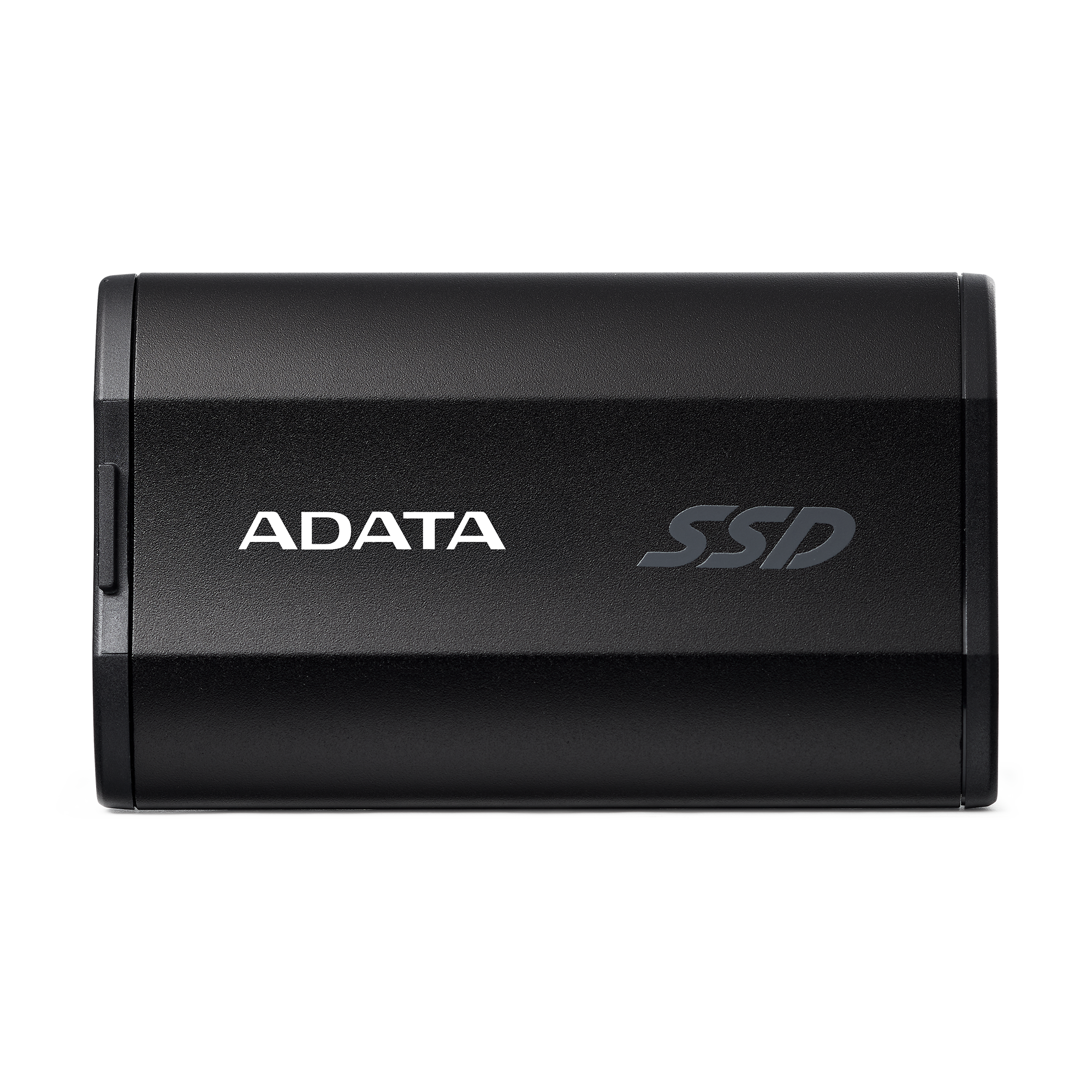
The SD810’s aluminium-alloy enclosure weighs 41.7g and has a cover protecting its USB port. Its USB 3.2 Gen 2×2 interface has a 20Gbps signalling rate; the manufacturer’s maximum sequential read and write claims are both 2,000MB/s. Those are conditional maxima, not a sustained-write guarantee for a full 1TB copy or thousands of small files. A supported 20Gbps host is needed to exploit the interface; a 10Gbps port restricts the connection.
Pros
The small RM10 premium over the SE880 buys a documented IP68 protection design. ADATA says the cover must be firmly closed for water and dust resistance, describes immersion beyond one metre for up to 60 minutes, and states a controlled 1.22m drop test. For a bag carried between office, client and home, these specific protections are more useful than an undefined rugged label. ALL IT’s Black / 1TB variant is marked available at RM859, rather than the cheaper 500GB default shown on the page.
Cons and buy/avoid guidance
The port is exposed while transferring, so it is not a waterproof working drive in the rain. The larger body is less discreet than the SE880, and we found no basis to advertise built-in AES encryption. Buy it for moving projects between suitable computers and transport protection. Avoid paying for its 20Gbps ceiling if your devices are permanently limited to slower ports and you will not use the rugged design. IP protection does not insure your files or replace a backup.
SE880: a genuinely smaller model, not a colour alternative
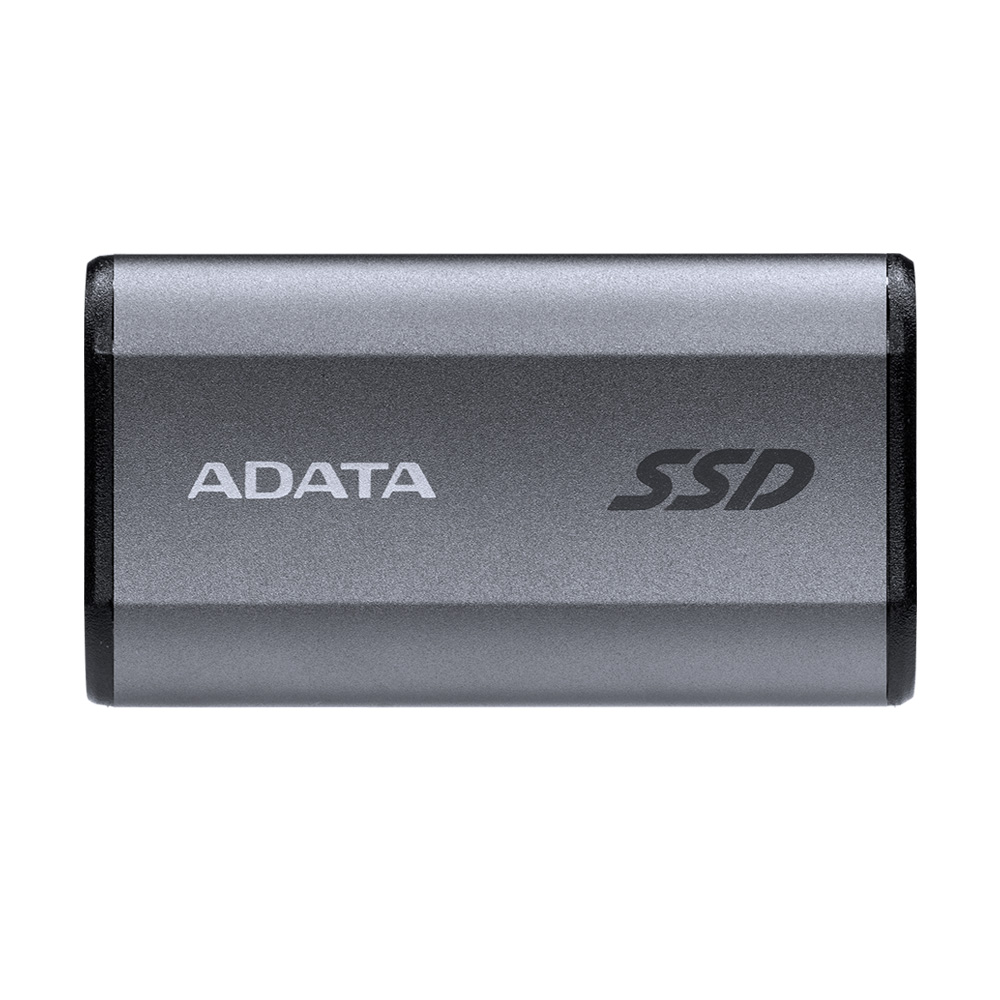
At 64.8 × 35 × 12.25mm and 31g, the SE880 concentrates on pocketability rather than a sealed port. It shares the 20Gbps Gen 2×2 interface and up-to-2,000MB/s sequential specifications, but it is physically smaller and has no IP rating established on the inspected catalogue. That is a material use-case distinction from SD810, not a way to count two colours as different products.
Advantages
The compact block is attractive beside an ultrabook or inside a small organiser. The manufacturer lists both USB-C-to-C and USB-C-to-A cables, but the A cable does not create 20Gbps capability on an unsuitable host. ALL IT marks the Titanium Gray / 1TB selection available at RM849. Its five-year limited manufacturer warranty matches the stated duration of the other two choices, although local claim handling is a separate matter.
Drawbacks
Saving RM10 is not a compelling reason to sacrifice protection if you regularly carry storage outdoors. Choose it because you actually prefer its smaller, lighter housing and keep it in dry conditions. Avoid it for exposed field work or if an independently specified ingress rating is essential. The catalogue also warns that macOS use may require reformatting; copy off existing data first and choose a file system supported by every device in your workflow.
SanDisk Extreme E61: security is the reason to pay more
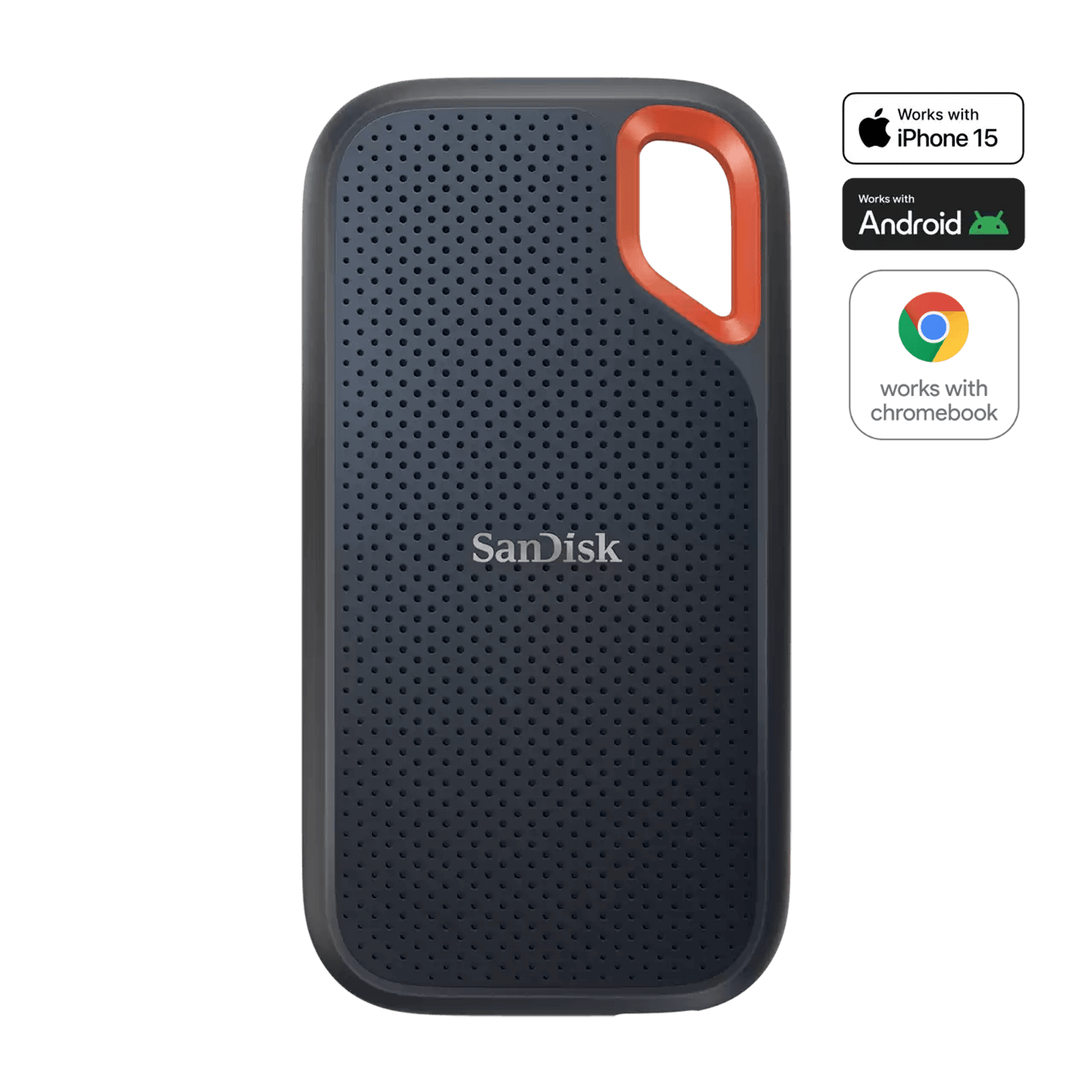
This is the E61 1TB Black model, not the newer similarly named V3. USB 3.2 Gen 2 runs at 10Gbps, with advertised reads up to 1,050MB/s and writes up to 1,000MB/s. Its password-protection feature uses 256-bit AES hardware encryption. Confirm the supported security software and target operating system before relying on unlocking it across a mixed computer or phone workflow; the presence of USB-C alone is not compatibility evidence.
Pros
It provides an established model-specific hardware-encryption feature and a carry-loop design. On a 10Gbps host, its interface is already aligned with the available link rather than demanding Gen 2×2 for its headline rate. The exact Black / 1TB ALL IT variant is RM1,099 and available. This is RM240 above SD810 and RM250 above SE880, so the premium needs a real security or handling reason, not a claim that it is faster.
Cons and revision warning
The seller title says IP55, whereas the current official E61 catalogue advertises IP65 and three-metre drop protection. We do not assign the newer protection promise to the retailer’s stock without confirmation of its box and revision. If protection is decisive, obtain that confirmation before ordering. Buy it when supported password protection solves a requirement; avoid it when maximum 20Gbps transfer potential is your priority or when the seller cannot settle a protection claim important to you.
Malaysia checkout, warranty and safe use
ALL IT’s shipping page gives typical arrival estimates of 2–5 working days in Peninsular Malaysia and 4–7 in East Malaysia, subject to courier limitations and delays. Its stated basic parcel coverage is RM200, below each drive’s price; the additional DHL insurance terms on that page are limited to Peninsular Malaysia. Kuching buyers should ask what protection is actually available rather than assuming an insurance checkout label covers Sarawak.
Manufacturer five-year limited warranties do not mean free lifetime retailer handling. ALL IT’s product policy says handling service is covered for the first year and a handling fee applies afterwards; confirm the current fee, local distributor route and return postage. Retain the invoice and serial number. Treat vouchers separately from these observed prices. For valuable projects, keep another copy elsewhere, eject safely, do not reformat a populated drive without backup, and test your host/cable combination before trusting it for a deadline.
Our verdict is SD810 for the most persuasive overall feature gap at these prices, SE880 when small dry-desk storage is the goal, and SanDisk E61 when its supported encryption justifies the premium. None turns a slow port into a fast one, and none makes a single copy a backup strategy.
Pingback: SSD Luaran 1TB di Malaysia: Laju Port, Ketahanan atau Badan Kecil? - Eazy Picks