
Choosing a 27-inch QHD screen for PC games is about more than the highest refresh number. Lenovo G27q-20, LG UltraGear 27GP850-B and AOC Q27G2S all target sharper-than-Full-HD gaming, but the exact variant, connection and available price matter. This is a specification-led guide, not a hands-on test or a claim that we measured response times.
PriceShop Malaysia listed reference prices on 16 November 2026: Lenovo RM1215, LG RM1330.30 and AOC RM1378. These are dated reference points, not guaranteed current offers. Stock, delivery and final price remain unverified; ask the seller and confirm the complete model before paying.
| Model | Panel and resolution | Refresh | Reference | Check |
|---|---|---|---|---|
| Lenovo G27q-20 | 27-inch IPS QHD | 165Hz | RM1215 | height adjustment |
| LG 27GP850-B | 27-inch Nano IPS QHD | 165Hz | RM1330.30 | input and mode |
| AOC Q27G2S | 27-inch QHD | variant dependent | RM1378 | exact suffix and refresh |
Lenovo G27q-20: balanced desktop fit
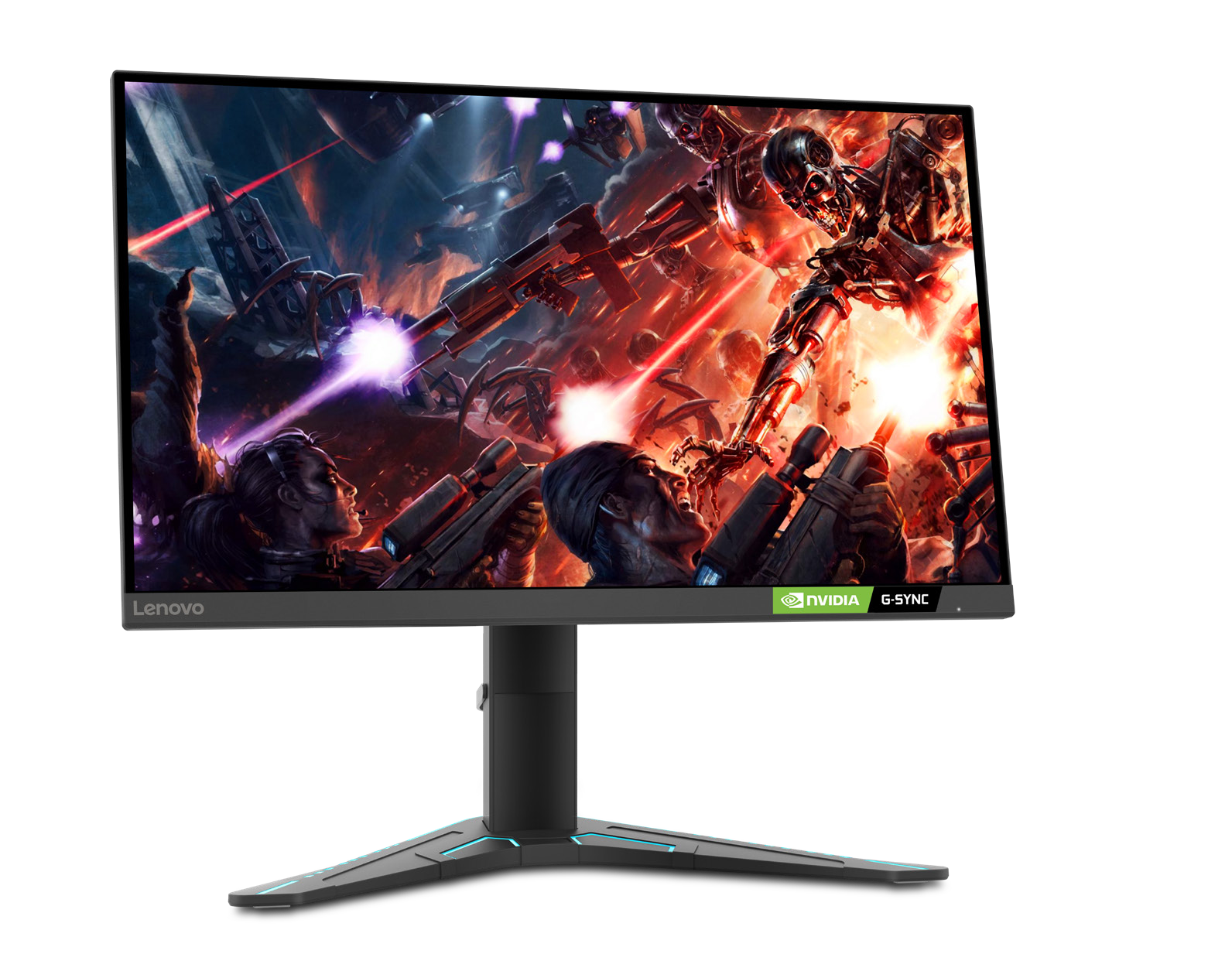
Lenovo’s own datasheet specifies 2560 × 1440 IPS, 165Hz and a stand with up to 130mm height adjustment. It lists one HDMI 2.0 and one DisplayPort 1.2. This combination is useful if your PC has a compatible output and you want a screen position you can raise without buying an arm immediately.
The 1ms figure is MPRT under specified conditions, not a promise of every pixel transition at every setting. The datasheet also lists slower response modes. Check the connection and your graphics card’s output settings before assuming that a console or laptop will run at the maximum advertised rate.
LG UltraGear 27GP850-B: look at panel and features
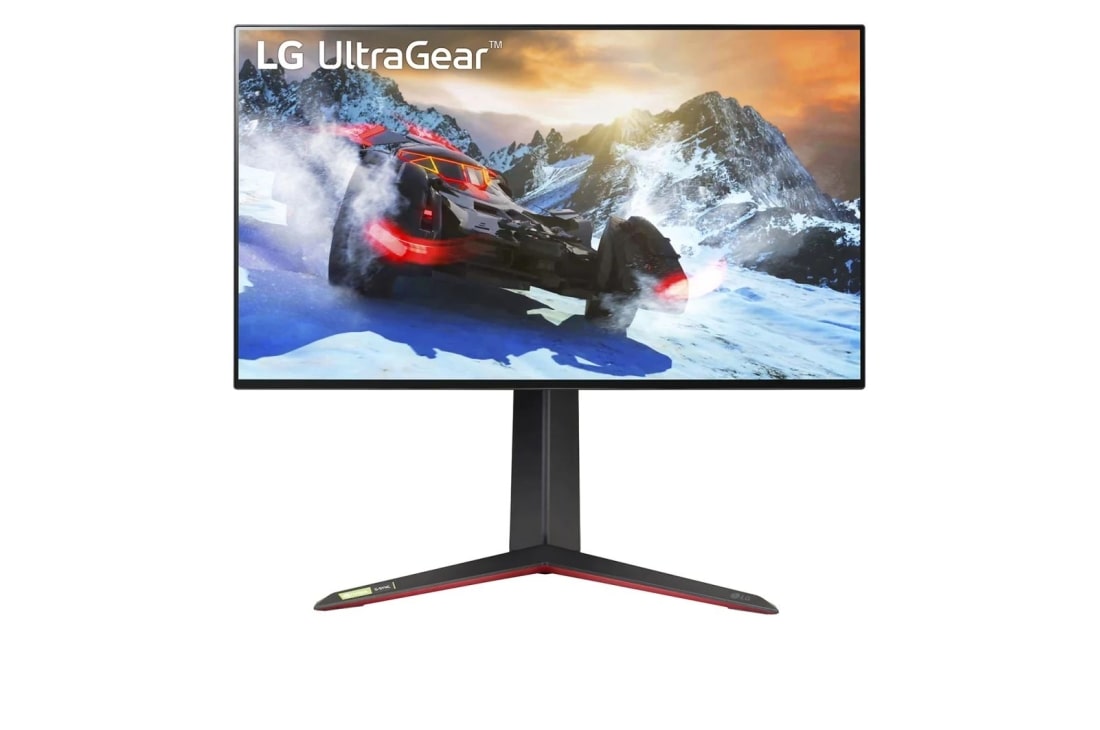
The LG is a 27-inch QHD Nano IPS gaming model. LG lists 165Hz, with an overclocked mode up to 180Hz; the available mode depends on the connected device and settings. Its screen specification may appeal if you use one desk for games and colour-sensitive everyday work, but this comparison does not replace calibration or independent colour measurements.
At the dated reference price the LG costs more than the Lenovo reference. Compare the actual seller quote and verify included accessories rather than treating the difference as fixed. Neither an HDR label nor a refresh specification alone establishes real-world HDR performance.
AOC Q27G2S: verify the local suffix
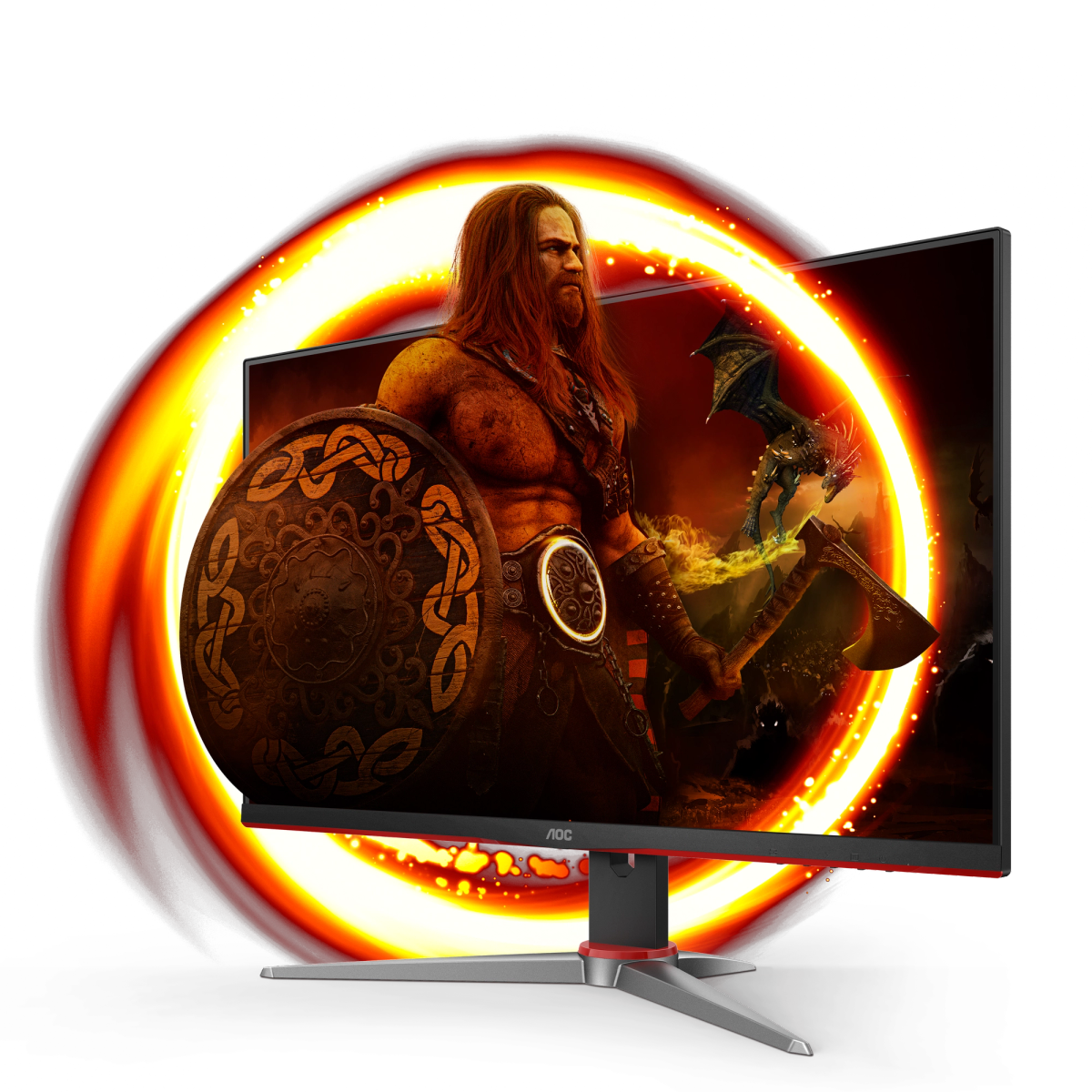
PriceShop identifies Q27G2S as a 27-inch QHD model and lists 155Hz, while the manufacturer’s Q27G2S/EU page describes 165Hz. These may be regional variants; the Malaysian listing does not establish the exact suffix. Confirm the box label and official specification for the seller’s unit before relying on a refresh figure. The picture is from AOC’s Q27G2S/EU catalogue and the local variant’s appearance should also be confirmed.
Pros
The Lenovo has a documented height-adjustable stand; the LG adds a clearly documented Nano IPS panel and overclock option. The AOC provides another QHD comparison point if the seller can establish the exact regional version. All three have reference prices above RM200, not verified live availability.
Cons and cautions
Regional AOC naming is the biggest unresolved issue. Maximum refresh also depends on ports, cables and source settings, while specified response measurements use different test modes. We have not tested motion clarity, backlight uniformity or after-sales service. Ask the seller for written local warranty terms.
Which should you buy?
Start with Lenovo if height adjustment and a documented DisplayPort connection fit your desk. Consider LG if its Nano IPS and potential overclock matter and the actual offer is acceptable. Consider AOC only after matching the precise local variant and specifications; avoid committing to it on the basis of an ambiguous model suffix. For any of the three, check your GPU or laptop output and return policy first.
Sources: PriceShop Lenovo, PriceShop LG, PriceShop AOC.
Pingback: 马来西亚QHD游戏显示器比较:Lenovo、LG与AOC - Eazy Picks