
Buying a MacBook in Malaysia is not simply choosing how much speed you can afford. These three machines make different compromises in memory, desk connectivity and storage. Our overall pick for a mainstream macOS buyer is the 13-inch MacBook Air M5, 16GB/512GB. The MacBook Neo 8GB/256GB is the budget choice for documents and study. The 14-inch MacBook Pro M5 Pro, 24GB/1TB is a situational upgrade for someone who can put its extra resources and ports to work.
This is a researched comparison of three Apple laptops, not a hands-on benchmark or a claim that they beat every Windows alternative. If your course, employer or favourite game requires Windows-only software, establish compatibility before buying any of them. A phone that works well with your apps does not prove that a laptop will run the same desktop tools.
The exact configurations and current price references
We checked Apple Malaysia’s exact configuration pages on 14 November 2026: Neo Citrus MHFD4ZP/A at RM2,999, Air Sky Blue MDHH4ZP/A at RM5,499, and Pro Silver MGDN4ZP/A at RM10,299. These are listed configuration references, not reserved stock or a delivery promise. They are not the lower March launch prices, education pricing, trade-in deductions or monthly instalments. Recheck the final basket before payment.
| Configuration | MY reference | Memory / SSD | Display | Native external displays | Connections | Weight |
|---|---|---|---|---|---|---|
| MacBook Neo A18 Pro Citrus | RM2,999 | 8GB / 256GB | 13-inch Liquid Retina | One, up to 4K 60Hz | USB 3 + USB 2; no MagSafe | 1.23kg |
| MacBook Air 13 M5 Sky Blue | RM5,499 | 16GB / 512GB | 13.6-inch Liquid Retina | Up to 2 | 2 Thunderbolt 4 + MagSafe | 1.23kg |
| MacBook Pro 14 M5 Pro Silver | RM10,299 | 24GB / 1TB | 14.2-inch XDR; ProMotion up to 120Hz | Up to 3 | 3 Thunderbolt 5 + HDMI + SDXC + MagSafe | 1.60kg |
MacBook Neo: the lowest bill, with real desk limitations

The selected Neo combines an A18 Pro with a six-core CPU and five-core GPU, 8GB unified memory and a 256GB SSD. Its 13-inch Liquid Retina display and 1.23kg stated weight make sense for a laptop moving between lectures, a small desk and the living room. Apple describes a fanless design. Documents, browser-based systems and video calls are the intended purchase case here, rather than paying for a creative workstation that will mostly display email.
The important limitation is not an abstract benchmark score. Neo provides one USB 3 USB-C port rated up to 10Gb/s and a second USB 2 USB-C port rated up to 480Mb/s. Only the USB 3 port supports the external display connection, with one display up to 4K at 60Hz. Two identical-looking connectors therefore do not offer identical functions. Plan where your monitor, charger and storage will connect before assuming an existing dock solves everything.
Pros and cons
Pros: lowest price in this comparison, silent fanless operation, a proper laptop keyboard and a relatively small footprint. Cons: 8GB/256GB leaves less room for demanding simultaneous work and a growing local media collection; the selected 256GB model has a Lock Key, not Touch ID. Apple’s 512GB Neo is a different keyboard/storage configuration and must not be substituted silently.
Buy it when you need an affordable macOS document machine and can keep local files modest. Avoid it if you already know you need two native external displays, heavy multitasking or large creative projects. Apple’s “up to 16 hours” video-streaming claim is not our measured working day; its separate wireless-web figure is up to 11 hours. Calls, brightness and background work change real endurance.
MacBook Air M5: our balanced everyday recommendation
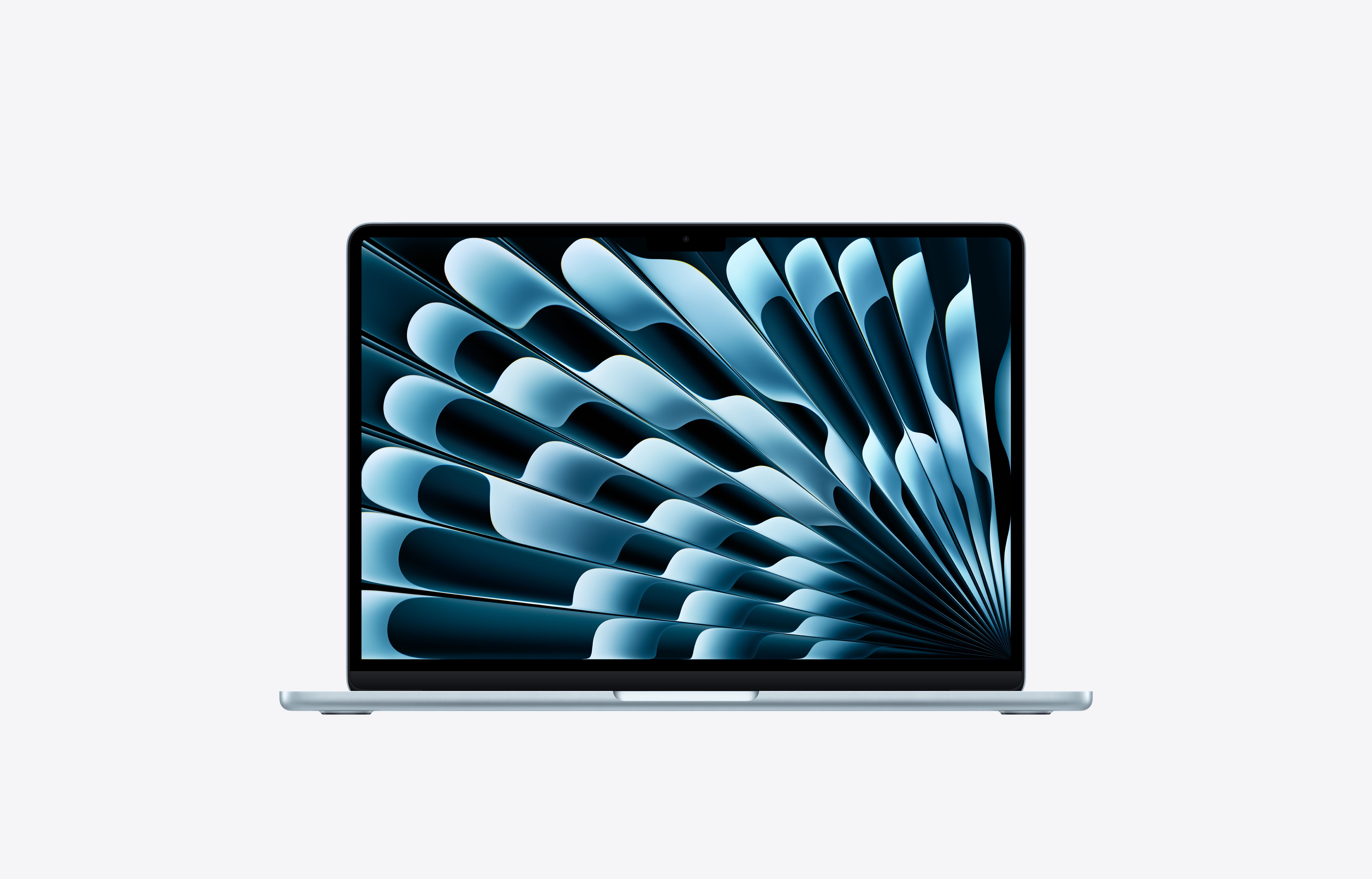
The selected 13-inch Air has the M5 with a ten-core CPU and eight-core GPU, 16GB unified memory and a 512GB SSD. Do not confuse it with the ten-core-GPU configuration or a 15-inch Air. The 13.6-inch Liquid Retina display gives a little more workspace than Neo while the quoted weight remains 1.23kg. It is also fanless, so choosing Air does not add a cooling fan to a quiet study room.
The memory and storage doubling are easier to justify than an untested promise of “twice the speed”. Extra memory gives more headroom for an office application alongside a browser and creative tools; the larger SSD gives more room for projects before external storage becomes necessary. These are capacity advantages, not a guarantee that every task runs proportionally faster.
Two Thunderbolt 4 ports, separate MagSafe charging and support for up to two external displays make the Air a much more flexible home-office machine. You can keep both data ports available while charging over MagSafe. The 12MP Center Stage camera and Touch ID are useful conveniences for frequent calls and sign-ins. The selected box lists a 40W Dynamic Power Adapter with 60W Max; the optional higher-power charging configurations are not automatically included.
Pros and cons
Pros: a stronger capacity balance, two-display support, dedicated charging and useful call hardware without increasing the stated laptop weight over Neo. Cons: RM2,500 more than Neo, no built-in HDMI or SDXC slot, and it is not the XDR/ProMotion display offered by Pro. External peripherals still need the right cables or adapters.
Buy it if the laptop will be your main macOS work or study computer, especially when it also docks at home. Avoid the upgrade if your workload is genuinely a handful of light applications and the extra RM2,500 would stretch the budget. Conversely, someone who already depends on frequent card imports and native HDMI should calculate the whole desk setup before choosing solely by thinness.
MacBook Pro M5 Pro: pay for a specific workflow
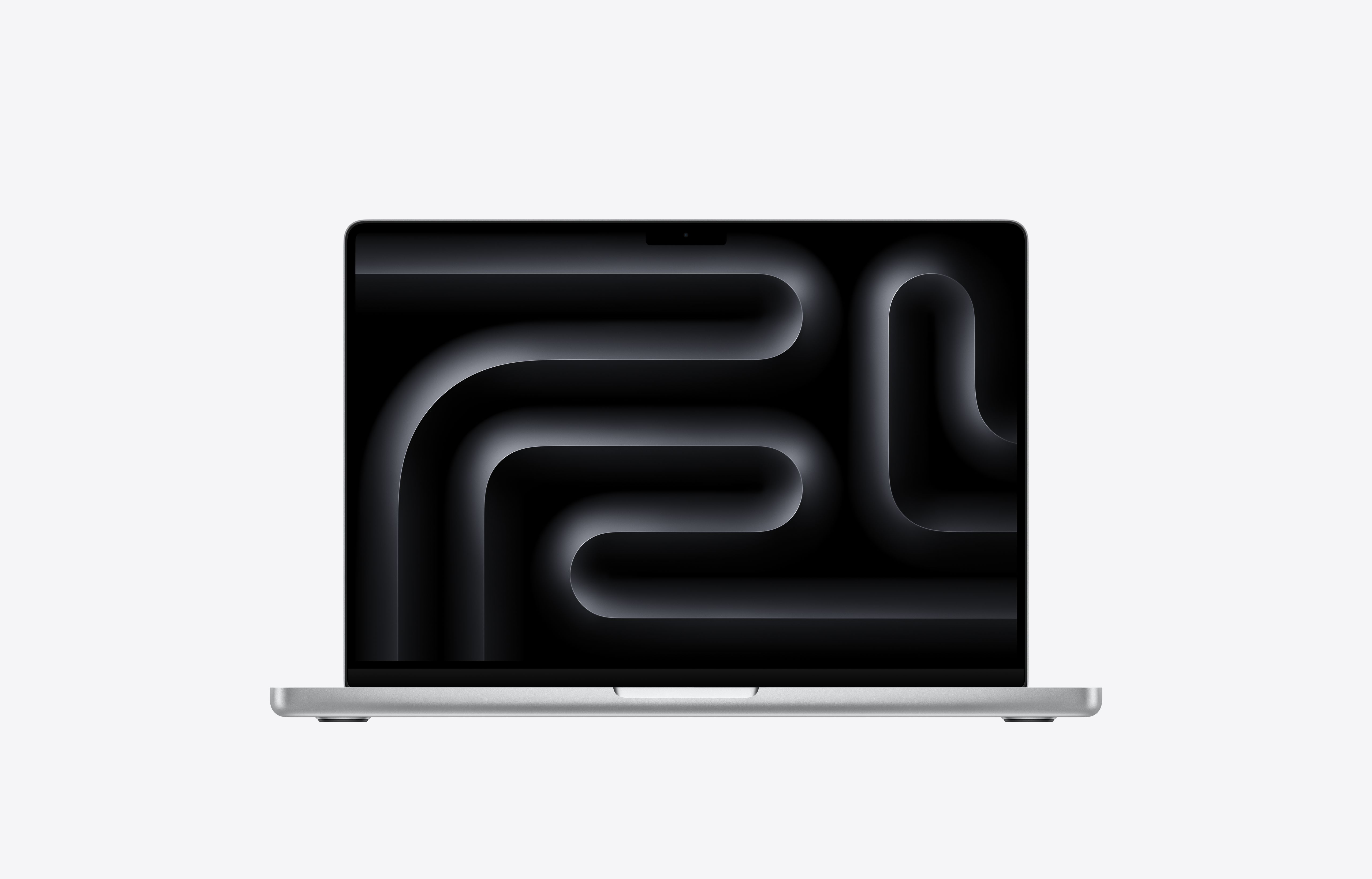
Our Pro is the 14-inch model with M5 Pro, 15-core CPU and 16-core GPU, 24GB unified memory and 1TB storage, in Silver with the standard display. It is not a base M6 MacBook Pro, an M5 Max machine or a 16-inch model. The live shop offers several of these alongside one another, so the words “MacBook Pro 14” alone are not a reliable comparison.
The 14.2-inch Liquid Retina XDR display with adaptive ProMotion up to 120Hz is the most relevant screen upgrade for buyers reviewing motion and HDR work. Three Thunderbolt 5 ports, HDMI and an SDXC slot reduce the need to carry separate adapters for common media and presentation connections. The additional memory and 1TB capacity make more sense for larger working sets and project files than for ordinary note-taking.
Pros and cons
Pros: more memory and storage, the XDR display, a native card slot and HDMI, plus high-bandwidth Thunderbolt connectivity. Cons: RM4,800 above the selected Air and a stated 1.60kg laptop weight, before the charger and accessories. Its included adapter is 70W; do not assume the advertised fast-charge demonstration with a 96W-or-higher source describes that standard box.
Buy it when those screen, project-capacity and port benefits address work you actually do. Avoid it as a prestige upgrade for browsing or because the larger “up to 24 hours” headline appeared in a family announcement: the selected 14-inch M5 Pro specification lists up to 22 hours video streaming and 14 hours wireless web. We have not measured export speeds, fan noise or battery life on these units.
The current selected configuration and current specification page list support for up to three external displays on this M5 Pro model. Resolution and refresh-rate combinations still matter; check your proposed monitors and cables before ordering.
What the price gaps buy
Neo to Air is RM2,500: chiefly more memory and storage, stronger desk connectivity, a different processor platform, Touch ID and the call-camera upgrade. Air to Pro is RM4,800: another 8GB of memory, twice the selected storage capacity, a different display class and more native ports, alongside the M5 Pro chip. Neo to Pro is RM7,300. None of these differences means performance scales in direct proportion to price.
For a student writing assignments, choose Neo unless a known requirement rules it out. For a home-office buyer moving between independent applications and two monitors, choose Air. For a creator who specifically needs the Pro display and connections, Pro is defensible; “future-proof” alone is not enough justification for the premium.
Malaysia warranty, ordering and delivery checks
Apple Malaysia’s Air specification explicitly lists a one-year limited warranty and 90 days of complimentary technical support. Confirm the exact warranty document for the Neo and Pro order, the invoice, seller’s authorisation and local service route; we have not independently verified their complete warranty terms here. AppleCare+ is a separate purchase with its own coverage, fees and conditions, not a free benefit included in these prices.
Check the keyboard layout, RAM, SSD, processor core configuration and included adapter on the invoice. A retailer voucher may reduce the final price, but do not assume the same offer covers every colour or configuration. For Kuching, Sabah and other East Malaysian destinations, enter the actual postcode and confirm dispatch time, carrier and return arrangements. A generic free-shipping message does not prove immediate local stock or a guaranteed arrival date.
If a shopping link later leads to a relevant alternative, treat it as an alternative rather than the exact reviewed configuration. Compare its specifications afresh. Final verdict: Air is the best overall balance here; Neo is the budget pick; Pro is for an identified creative-work requirement. First verify software compatibility, then pay only for the capabilities you can explain.
Pingback: MacBook Neo、Air M5和Pro M5 Pro怎么选?马来西亚笔电购买比较 - Eazy Picks
Pingback: MacBook Neo, Air M5 atau Pro M5 Pro: Pilih Laptop Ikut Kerja Sebenar - Eazy Picks