
A monitor arm is a compatibility purchase before it is a tidy-desk upgrade. For October 2026 Malaysian buyers, our best overall choice is the FlexiSpot MA8 for a single screen within its 3–12 kg rating. The PRISM+ Arc Titan is the better value when a heavier ultrawide needs up to 15 kg support. The Ergotron LX White is the situational premium choice for an established adjustment mechanism and a retailer-listed ten-year warranty, not the automatic answer for every monitor.
This is a source-based comparison, not a hands-on stability test. Prices and Malaysian offers were reopened on 3 October 2026: MA8 RM299 at FlexiSpot Malaysia, Arc Titan RM399 at PRISM+ Malaysia, and LX White RM899 at ISR. These are three mechanical monitor mounts; Titan’s USB pass-through ports do not power its lifting mechanism. No motor or charging subscription is needed to reposition the screen.
Measure the screen and desk first
Use the monitor’s weight without its original stand, then add any adapter or attached accessory. A large diagonal does not prove compatibility, and a light display can sit below a spring arm’s minimum supported load. Check the actual 75 × 75 or 100 × 100 mm VESA holes, including whether they sit inside a recess that needs spacers. An adapter can change both the weight and leverage.
The desk must provide a sound, accessible mounting surface. A nominally compatible thickness says nothing about a glass top, a hollow-core panel or a weak rear edge. Ask the desk maker before clamping; a reinforcement plate is not a universal cure. Allow room behind the desk for the elbow, and leave power and video cables slack through the full travel. Pulling a taut cable is not a valid way to limit motion.
Three different routes to a floating screen
| Model / observed price | Screen load | VESA | Clamp thickness | Grommet | Tilt | Reach / height caveat | Warranty |
|---|---|---|---|---|---|---|---|
| FlexiSpot MA8 Black / RM299 | 3–12 kg | 75/100 mm | 20–100 mm | Included; 20–89 mm top, 8–70 mm hole | −85° / +15° | Not established | 3 years arms/spring/mechanisms |
| PRISM+ Arc Titan Space Grey / RM399 | Up to 15 kg; minimum unconfirmed | 75/100 mm | 10–45 mm | Shown in manufacturer installation diagram | ±45° | 430 mm extension / 550 mm maximum height, not travel | 1 year |
| Ergotron LX White / RM899 | 3.2–11.3 kg | 75/100 mm | 10–60 mm | Separate accessory for White | 70° backward / 5° forward | Heavy-screen range reduction above 9.1 kg | 10 years listed by ISR; local process confirm |
FlexiSpot MA8: best overall for a verified conventional setup
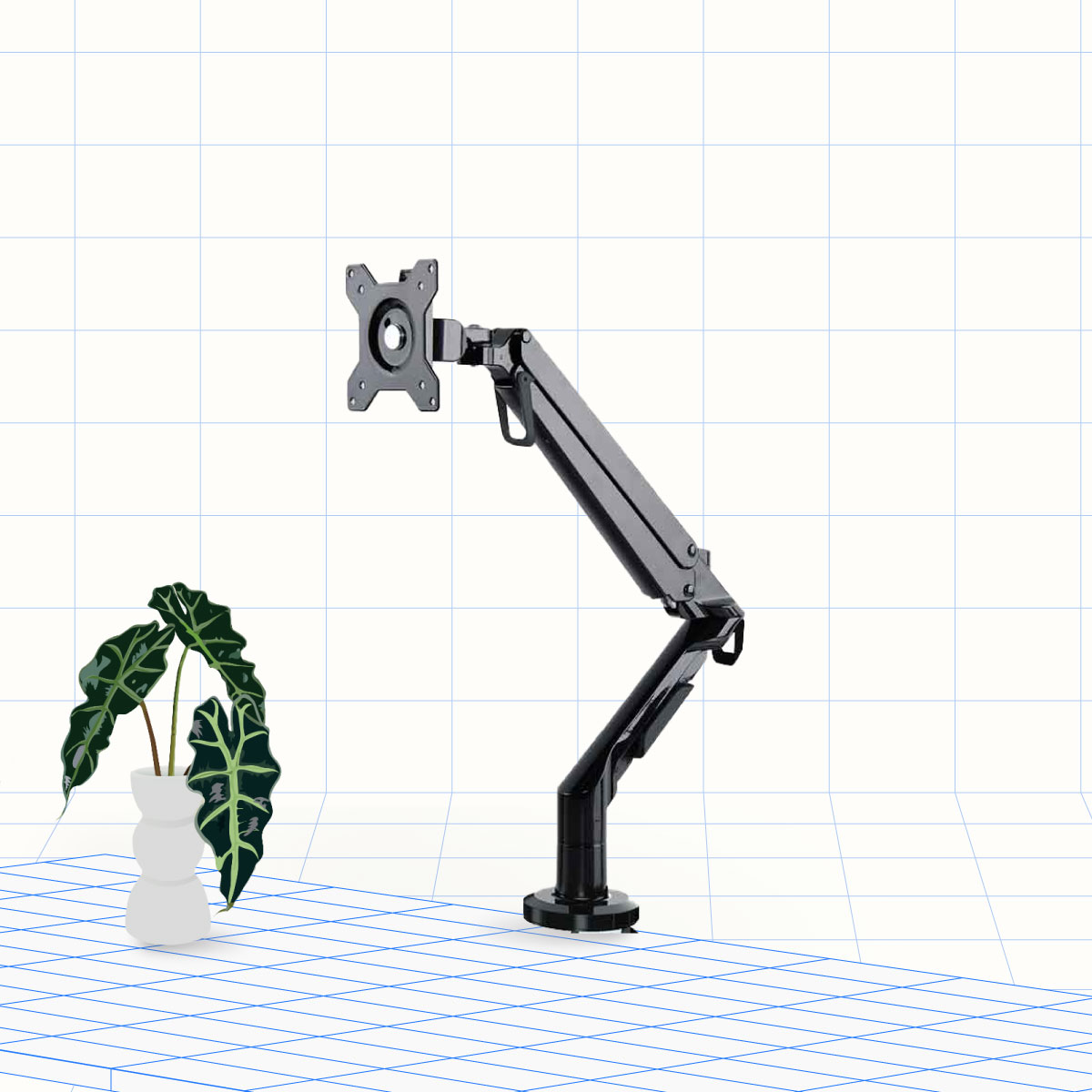
The FlexiSpot MA8 Black costs RM299 against the page’s RM399 comparison price. Its specific product summary rates 17–36-inch screens at 3–12 kg, with a quick-release VESA plate and adjustable spring tension. The published clamp allowance of 20–100 mm is particularly useful on a thick desktop; the grommet route covers 20–89 mm thickness and a hole diameter of 8–70 mm.
MA8’s practical advantage is not an extra gadget but a relatively broad mounting envelope at the lowest observed purchase price. The specified tilt is −85° to +15°, and the arm has 360° horizontal rotation, described as 180° in each direction. That can help reposition a screen between seated work and document viewing. It does not prove clearance for every portrait monitor, so measure the screen’s long edge against the attainable position.
Pros and cons of the MA8
Pros: the RM299 official offer includes clamp and grommet mounting, while the Malaysian page states three-year coverage for the arms, gas-spring system and mechanisms. A quick-release plate makes the screen-to-arm connection less awkward than holding both together throughout assembly.
Cons: a screen under 3 kg is outside its published load range. The page contains duplicated dual-arm marketing text even though this is a single-arm product; this comparison relies on the model-specific summary instead. Maximum vertical travel was not established, so tall-user suitability needs a dimension check rather than a promise.
Buy it for one compatible monitor and a thicker solid desktop. Avoid it for a 13 kg screen or where your essential requirement is a verified sitting-to-standing lift distance. This arm does not replace the height travel of a sit-stand desk.
PRISM+ Arc Titan: value for a heavier ultrawide
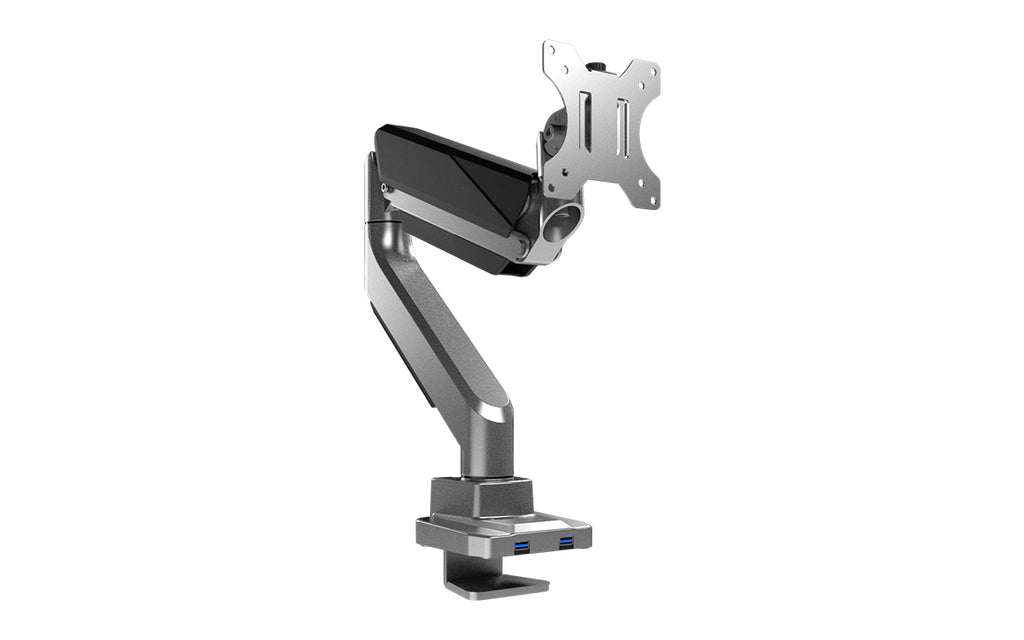
The PRISM+ Arc Titan Space Grey is RM399, with RM569 shown as its comparison price. The manufacturer advertises support up to 15 kg and up to 49 inches, making it a meaningful step beyond MA8 for a heavy ultrawide. Its official diagrams specify ±45° tilt, ±90° swivel, ±180° screen rotation, up to 430 mm extension and up to 550 mm height.
That 550 mm figure is a maximum-height claim, not 550 mm of vertical adjustment travel. The distinction matters when matching a high monitor position or a shelf. The diagram specifies 75/100 mm VESA, quick release, clamp/grommet installation and a 10–45 mm desktop-thickness allowance. A 60 mm slab that fits MA8’s clamp is therefore not a verified Titan fit.
Advantages and drawbacks of Arc Titan
Advantages: RM100 more than MA8 buys a higher advertised maximum load, specific reach information and two advertised USB 3.0 ports at the base. Those ports may reduce awkward peripheral access when correctly connected; they do not turn the arm into a powered lift or a guaranteed fast charger.
Drawbacks: the minimum supported screen weight was not established. PRISM+ lists only one-year warranty coverage for Arc Titan, rather than the three years advertised for some of its other arm families. Confirm the exact monitor, especially a deeply curved panel, rather than treating the 15 kg limit as proof of tilt stability.
Choose Titan when its greater load capacity solves a real compatibility problem and the desktop is within its mounting specification. Skip it for a very light screen without seller confirmation, or if a thick top cannot accept the mount. The page showed few units left and warehouse departure in one to two days; departure is not an arrival guarantee for Kuching.
Ergotron LX White: premium adjustment with a mounting caveat
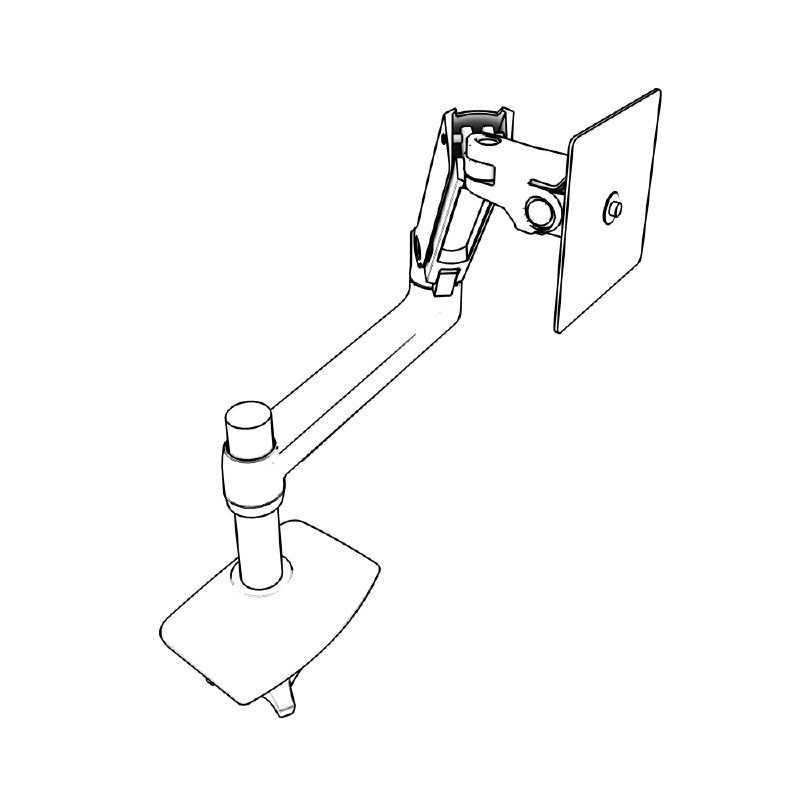
The Ergotron LX White 45-490-216 is RM899 at ISR, which displayed availability of two units. The retailer specifies an aluminium arm using Ergotron’s Constant Force mechanism, 3.2–11.3 kg load, 75/100 mm VESA, and a clamp for 10–60 mm tops. The listed tilt is 70° backward and 5° forward, so compare the actual direction needed rather than just the larger number.
The white variant has an important package distinction: its grommet mount is a separately ordered accessory. The retailer says some polished-aluminium and matte-black LX versions include a grommet kit, but that must not be carried across to this white SKU. A hole-only installation can therefore cost more than the RM899 arm price.
Pros and drawbacks of the LX White
Pros: ISR lists ten-year warranty coverage and a 10,000-cycle lift-mechanism quality test. These are published specifications, not our own durability findings. The folding extension and routed cable management suit a workstation where the screen is moved repeatedly and sometimes pushed back.
Drawbacks: it is RM500 above Titan and RM600 above MA8 while supporting less maximum mass than either. ISR warns that screens above 9.1 kg may reduce the vertical range by as much as 110 mm, down to approximately 220 mm. Confirm the local claim process and accessory stock before paying a premium.
Buy LX White for a long-term workstation where the warranty and adjustment architecture justify the price. Avoid it for an overweight ultrawide, a sub-3.2 kg screen, or a budget driven primarily by freeing desk space. A longer warranty cannot make an incompatible mount safe.
Malaysia checkout and final decision
FlexiSpot says standalone accessories ship by courier at a checkout-calculated rate, while accessories ordered with its standing desk can travel with that desk. PRISM+’s policy excludes parallel imports and requires purchase evidence; its exchange terms may use refurbished sets after the initial seven days. ISR’s ten-year listing does not establish free two-way freight from East Malaysia. Ask each seller for postcode delivery, claim freight, missing-part procedures and installation requirements in writing.
Our decisive recommendation remains MA8 for a compatible everyday single-screen desk. Move to Titan because you need its higher load allowance and documented reach, not merely because it is labelled heavier duty. Spend on LX White when its specific warranty and mechanism matter enough to absorb the price gap and any grommet accessory cost. Measure first, then buy the least expensive arm that genuinely meets your mounting and movement requirements.
Pingback: Lengan Monitor Malaysia Oktober 2026: MA8, Titan atau LX? - Eazy Picks