
A new router is worthwhile only if it solves the bottleneck you actually have. For a Malaysian home replacing one ageing gateway, our best overall pick is the TP-Link Archer AX53 at RM319. The MERCUSYS MR80X at RM239 is the value choice when three wired LAN connections are enough. Spend RM449 on the Archer AX72 only when its stronger 5GHz radio configuration or USB port will be useful. None of these advertised AX numbers is your guaranteed internet speed.
This is a source-based comparison of standalone Wi-Fi 6 routers, not a hands-on speed test or another two-node mesh-kit roundup. Prices and order availability were checked on 18 October 2026: ALL IT lists AX53, Asashi marks MR80X limited stock, and CCTV9 offers AX72. Delivery charges, hardware revision and final Malaysian warranty entitlement need confirmation before payment.
Choose the gateway around your home
| Model / price | Wireless class | Wired connections | Expansion / USB | Best buyer | Main caveat |
|---|---|---|---|---|---|
| Archer AX53 RM319 | AX3000; 160MHz | 1 WAN + 4 LAN; gigabit | EasyMesh; no USB | Balanced home gateway | Not 2.5GbE |
| MR80X RM239 | AX3000; 160MHz | 1 WAN + 3 LAN; gigabit | AP mode; check revision | Value / up to 3 LAN | Limited stock; firmware varies |
| Archer AX72 RM449 | AX5400; 5GHz 4T4R | 1 WAN + 4 LAN; gigabit | EasyMesh; USB3.0 | Busy Wi-Fi / USB need | Gigabit WAN ceiling |
TP-Link Archer AX53: the balanced replacement
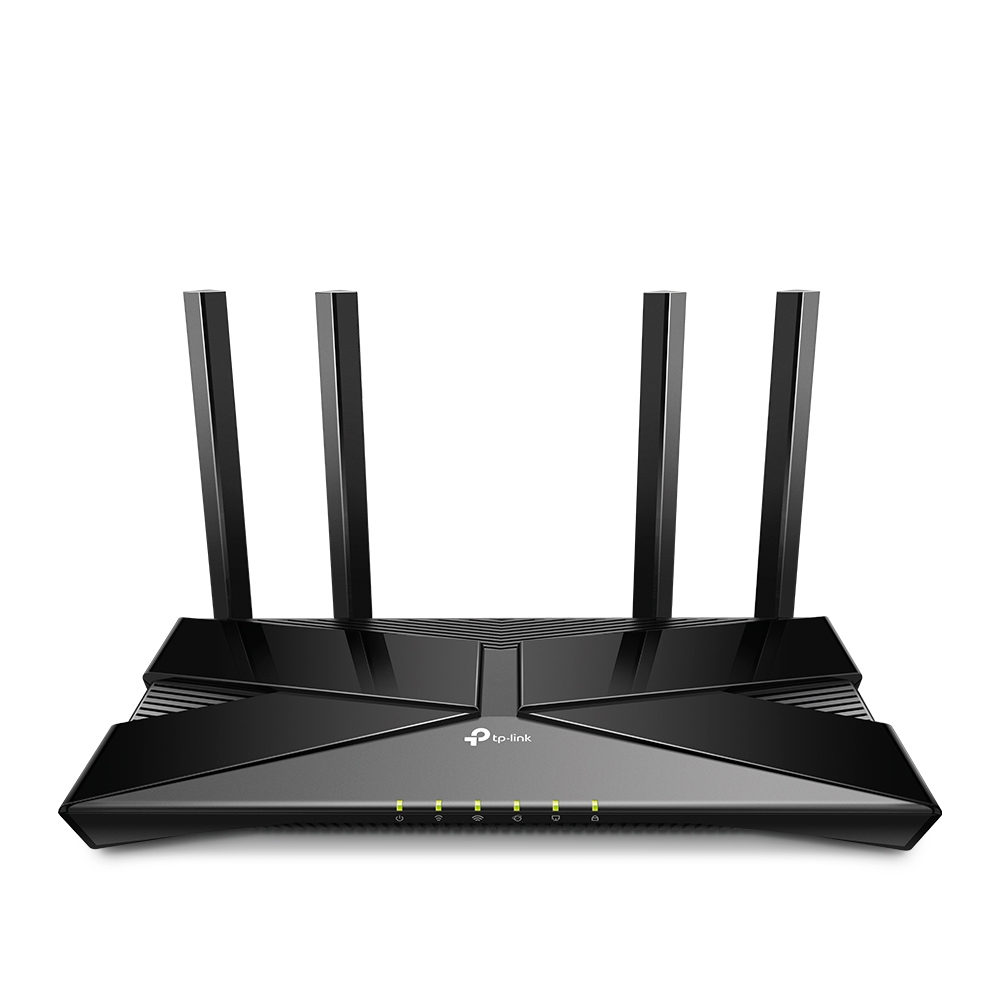
The AX53 combines a 2402Mbps-rated 5GHz band with 574Mbps on 2.4GHz, 160MHz channel support and four external antennas. Those are physical link ceilings shared across bands, not a 3Gbps download promise. A compatible Wi-Fi 6 client, usable channel width and favourable placement are required to benefit. Its four gigabit LAN ports make sense for a TV, desktop, console and wired access point without immediately buying a switch.
Pros: enough connections without overspending
At RM80 above MR80X, the useful upgrade is the extra LAN socket and TP-Link’s Tether/HomeShield ecosystem, not a guaranteed speed jump: both carry the AX3000 class. The Malaysian manufacturer page describes EasyMesh expansion. Check the purchased revision and firmware compatibility before choosing a second device; do not assume any router with “mesh” in its listing joins the same system.
Cons: a gigabit ceiling remains
AX53 is not the answer for a broadband plan above 1Gbps when you want that full rate on one wired device. It has no 2.5GbE upgrade hidden behind the AX3000 label. HomeShield includes a mix of features and service tiers; confirm which parental-control or security functions are free rather than budgeting on every advanced feature being included forever.
Buy AX53 for a typical apartment or small home that needs one centrally placed router and several wired devices. Avoid paying this premium if you only connect one PC by cable and do not value its management ecosystem. Thick walls and remote upstairs rooms may need a wired access point, not a more ambitious speed label.
MERCUSYS MR80X: best value for fewer wired devices
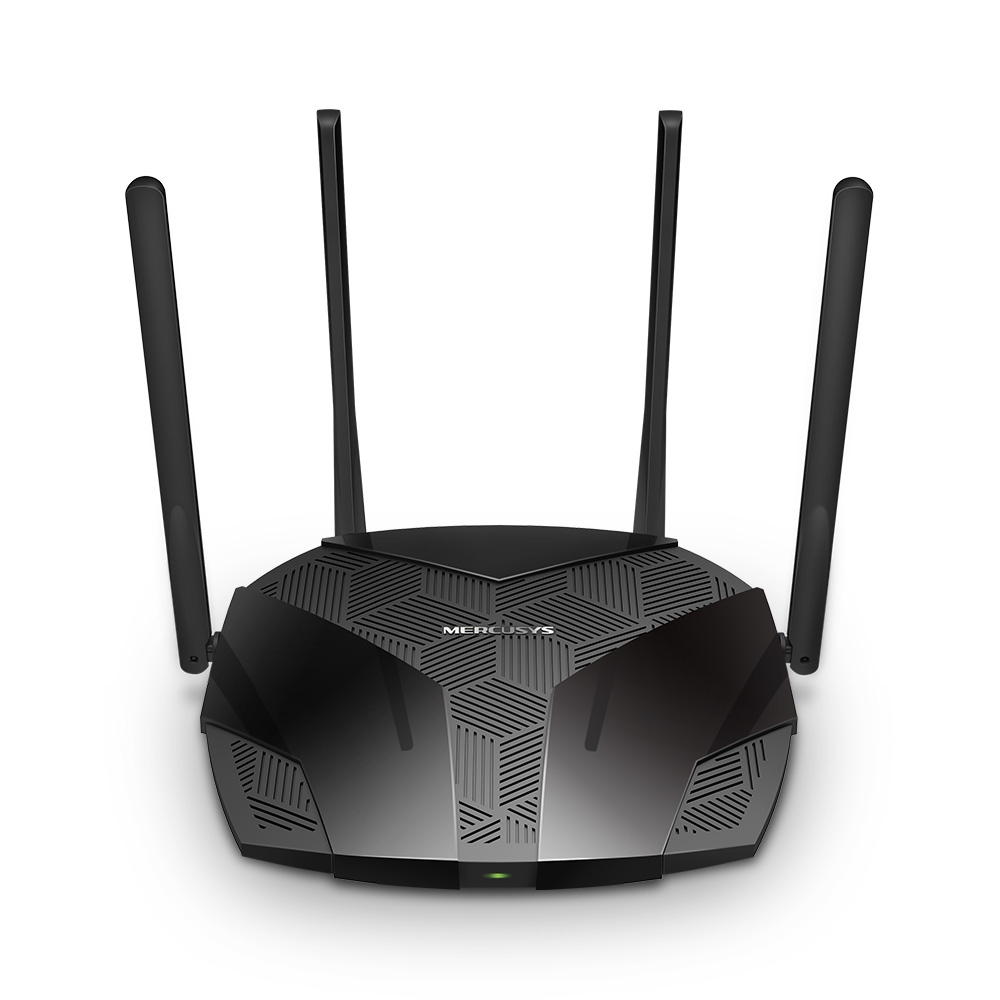
MR80X offers the same headline 2402Mbps plus 574Mbps link rates and 160MHz capability for RM239. The manufacturer specifies four antennas, WPA3, Smart Connect, OFDMA and MU-MIMO. It can also operate as an access point, useful if your ISP gateway must stay in place and an Ethernet cable reaches the room needing Wi-Fi. Its one gigabit WAN and three gigabit LAN ports are a practical difference from the TP-Link pair.
Advantages: RM80 stays in your budget
Choose MR80X when the job is straightforward: connect a moderate broadband plan, a few wired devices and a mixture of phones and smart-home equipment. Smart Connect can keep both bands under one network name. That convenience does not guarantee every older IoT device will set up smoothly; temporarily separating bands can still be necessary for particular devices.
Drawbacks: check revision-dependent functions
The original Malaysian page discusses a Qualcomm-based platform and access-point mode. Do not assume every retailer’s hardware revision has identical firmware, VPN or mesh features just because the shell says MR80X. Get the label revision confirmed if a particular feature is essential. Asashi’s current offer says limited stock, so do not regard a price screenshot as a reservation.
It is the sensible purchase for a budget-led household with up to three LAN connections. Avoid it if you already need four sockets or require a verified expansion ecosystem: the RM80 saving disappears quickly if you buy extras to address those needs. Manufacturer laboratory claims about very high device counts are not a guarantee for your crowded apartment.
TP-Link Archer AX72: pay for the radio and USB, not imaginary multi-gigabit
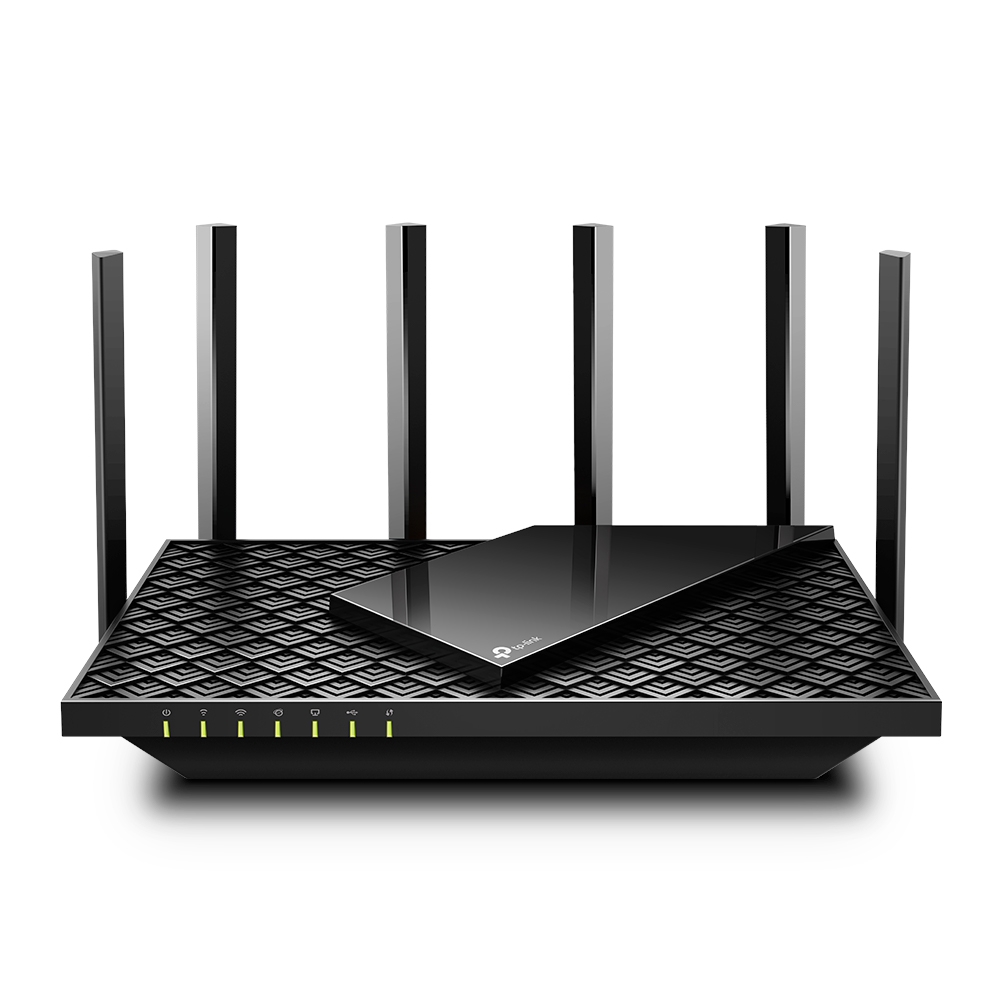
AX72 changes the radio proposition: AX5400 class, six antennas and a 4T4R 5GHz structure, alongside a USB3.0 port and four gigabit LAN sockets. That can be more relevant for multiple demanding clients than simply replacing one AX3000 router with another. It still uses a gigabit WAN connection. Do not confuse this AX72 with AX72 Pro or infer 2.5GbE from a similar retailer title.
Pros: worthwhile situational flexibility
The RM130 step above AX53, or RM210 above MR80X, buys the higher radio configuration and USB option. A household with several simultaneous local wireless transfers has a stronger reason to consider it than a single phone watching video. USB storage features should be checked against the exact firmware; a router port is not a promise of dedicated-NAS performance.
Cons: placement beats antenna counting
Six antennas will not reliably overcome reinforced concrete, poor placement inside a cabinet or an ISP fibre termination at the far corner of the house. A 2×2 phone cannot become a 4×4 client just because the router is 4T4R. Spend on AX72 only after deciding where it will sit and whether a wired access point is the more direct fix.
Buy this model for the verified USB requirement or a busy wireless household while staying within a gigabit internet setup. Skip it for a basic sub-gigabit plan and a few nearby devices: AX53 or MR80X leaves money for Ethernet cabling, which may improve reliability more decisively.
Malaysia setup, warranty and delivery checks
Before replacing an ISP router, obtain your own PPPoE credentials and confirm VLAN/IPTV requirements with the provider; never assume plugging in the new WAN cable completes every Unifi or Maxis installation. Keep the fibre modem/ONT unless the provider instructs otherwise. None of these is a 4G/5G SIM router, and a wireless router alone cannot replace the optical fibre terminal.
ALL IT states delivery across Malaysia, with typical published estimates of three to five working days in the peninsula and five to seven in East Malaysia. These are retailer estimates, not a promise for your postcode. Its warranty policy can require customer-paid shipping and handling after the first year. Exact warranty duration for these three offers was not independently confirmed; ask for local-set eligibility, invoice, return address and who pays two-way courier costs, especially from Kuching.
Our verdict
Choose AX53 as the balanced default, MR80X when the RM80 saving and three LAN ports fit, and AX72 only when its USB or higher 5GHz radio configuration answers an identified need. If the real problem is a distant room behind several walls, stop comparing headline speeds and plan a wired access point or an appropriate mesh layout instead. Better placement and the right topology matter more than a larger number on the box.
Pingback: 家用Wi-Fi 6路由器怎么选?AX53、MR80X与AX72比接口和价差 - Eazy Picks