
Long Kuching workdays expose a mouse problem quickly: a shape that feels fine for ten minutes can leave your thumb, wrist or forearm tired by evening. This comparison focuses on three genuinely different approaches to an ergonomic mouse. MX Master 3S is the full-size productivity pick, Lift is the smaller vertical option, and Pro Click Mini is the portable, ambidextrous choice. Prices are Malaysian street estimates and can move with Shopee vouchers.
At a glance
| Mouse | Shape | Sensor | Battery | Best use | Est. Malaysia price |
|---|---|---|---|---|---|
| Logitech MX Master 3S | Large right-handed | 8,000 DPI, tracks glass | USB-C rechargeable | Desk productivity | ~RM399 |
| Logitech Lift | 57° vertical | Up to 4,000 DPI | 1 AA, up to 2 years | Small/medium hands | ~RM269 |
| Razer Pro Click Mini | Compact ambidextrous | 12,000 DPI | 1–2 AA | Travel and multi-device | ~RM398–441 |
How to choose
Measure hand size and pay attention to grip, not just DPI. A vertical mouse changes wrist rotation but needs an adjustment period; a large sculpted mouse spreads the hand differently and may be too bulky for smaller users. Also check whether you need Bluetooth, a receiver, device switching, silent clicks, or a rechargeable battery. In Malaysia, compare the exact part number and seller warranty: a cheaper imported listing may not offer the same support as an authorised local set. Delivery protection and voucher price are useful, but they should not replace a clear warranty.
1. Logitech MX Master 3S — Best overall
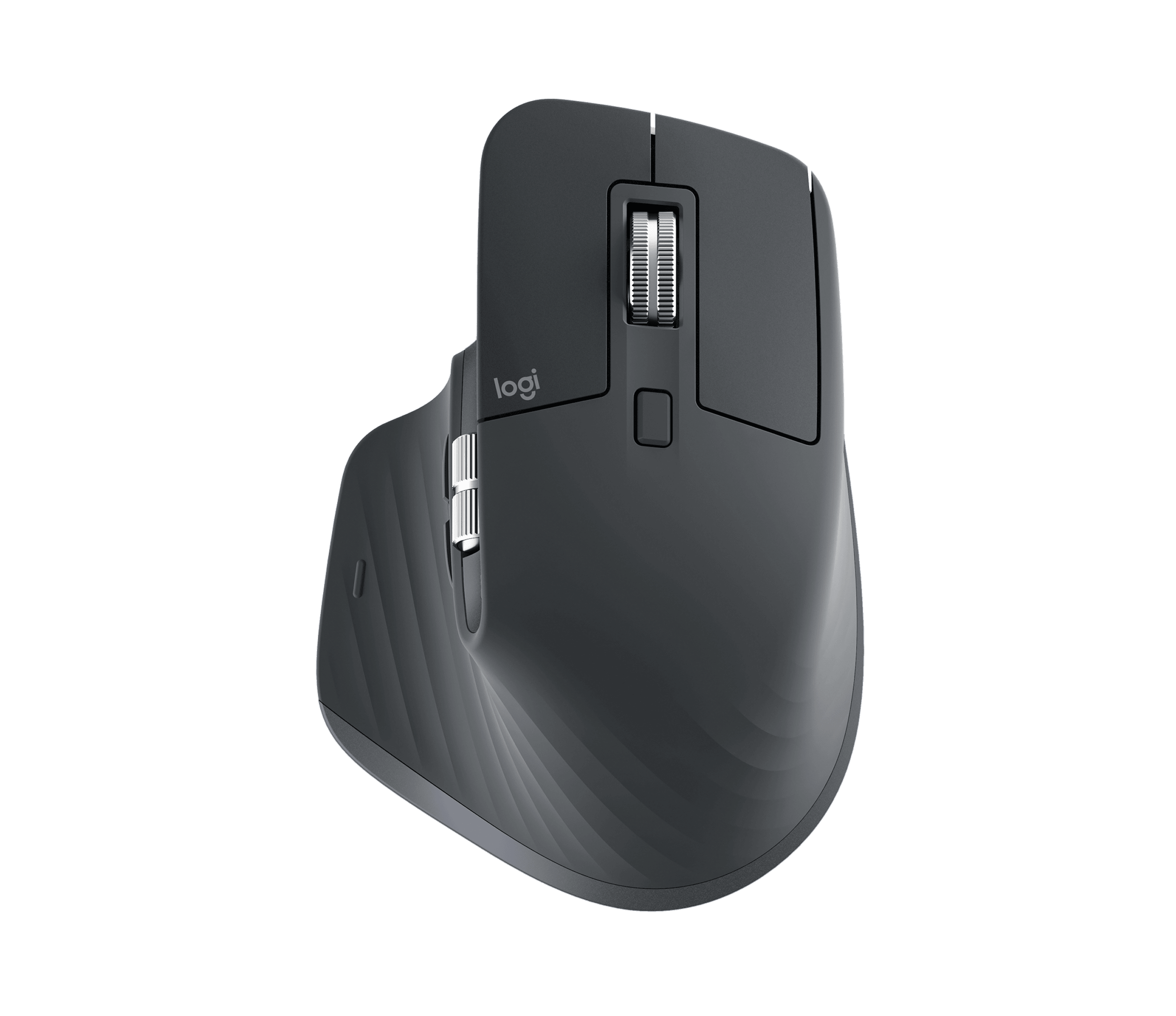
Who should buy: Right-handed users who spend most of the day in spreadsheets, browser tabs, design tools or code editors. Its 124.9 x 84.3 x 51 mm, 141 g body feels planted, but small hands may find it tiring.
Verified specifications
8,000 DPI Darkfield sensor; Quiet Clicks; MagSpeed electromagnetic scroll wheel with horizontal thumb wheel; seven controls; Bluetooth or Logi Bolt; USB-C charging; up to three computers; 70-day claimed battery life.
Pros
- Very accurate on ordinary desks and suitable glass surfaces.
- Thumb wheel and gesture button genuinely speed up office navigation.
- Rechargeable battery avoids AA interruptions.
Cons
- Large, heavy and right-hand only.
- Logi Options+ is needed for the best customisation.
- Local listings show different one- or two-year warranty terms, so verify seller coverage.
Practical experience: The broad shell supports a relaxed palm and the quiet clicks are welcome in a shared office. The compromise is weight: it is comfortable for controlled desk work, less pleasant to throw into a laptop bag. A Malaysian price around RM399 buys the scroll wheel, thumb controls and rechargeable convenience; it is not value if you only need pointing and clicking. Independent testing commonly praises its comfort and productivity controls while noting the size. This is our Best Overall for a fixed workstation, especially when switching between a desktop and notebook.
2. Logitech Lift — Best for small to medium hands
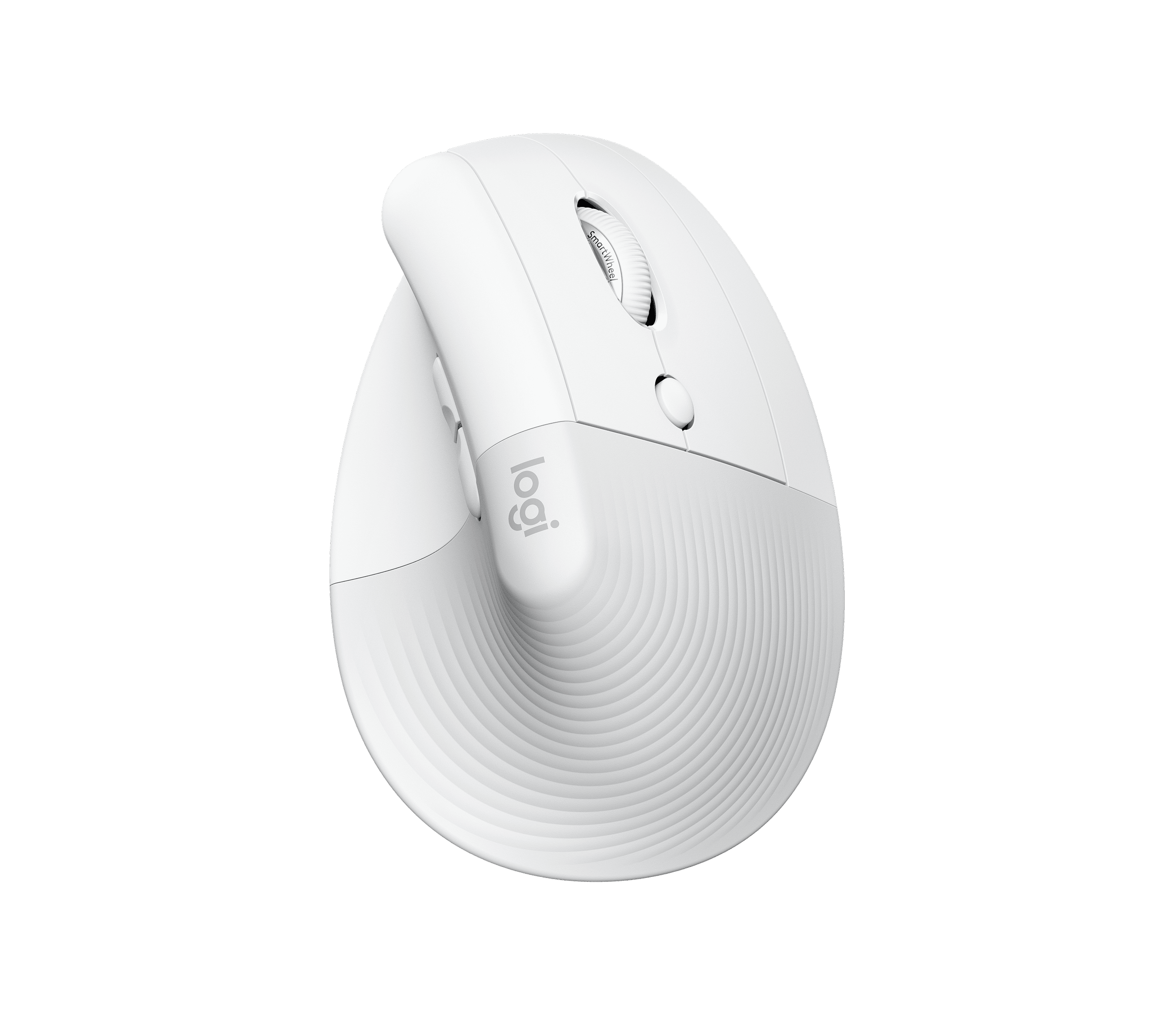
Who should buy: Users whose wrist feels twisted on a flat mouse, especially with small or medium hands. It is right-handed in this configuration, with a left-handed version available.
Verified specifications
57° vertical posture; soft rubber grip and thumb rest; up to 4,000 DPI; Bluetooth or Logi Bolt; four buttons; one AA battery rated up to two years; dimensions about 70 x 70 x 108 mm.
Pros
- Vertical grip reduces the urge to flatten the palm and rotate the forearm.
- Quiet clicks and compact height suit long admin or writing sessions.
- Battery life is excellent and device switching is simple.
Cons
- Not ideal for large hands or aggressive gaming-like movements.
- Vertical control takes several days to feel natural.
- Uses a disposable AA rather than USB-C charging.
Practical experience: Lift is the most targeted choice here: the 57° angle matters more than its sensor number. It is easy to hold while replying to WhatsApp, entering invoices or browsing Shopee, but precision feels unfamiliar at first. At roughly RM269, the price gap versus MX Master 3S buys the vertical posture, not premium scrolling or a rechargeable cell. Logitech Malaysia describes it for small-to-medium hands and the local channel lists a one-year limited warranty. Choose it when wrist posture is the priority; skip it if you need a large palm rest or left-hand use on this specific unit.
3. Razer Pro Click Mini — Best portable value when available
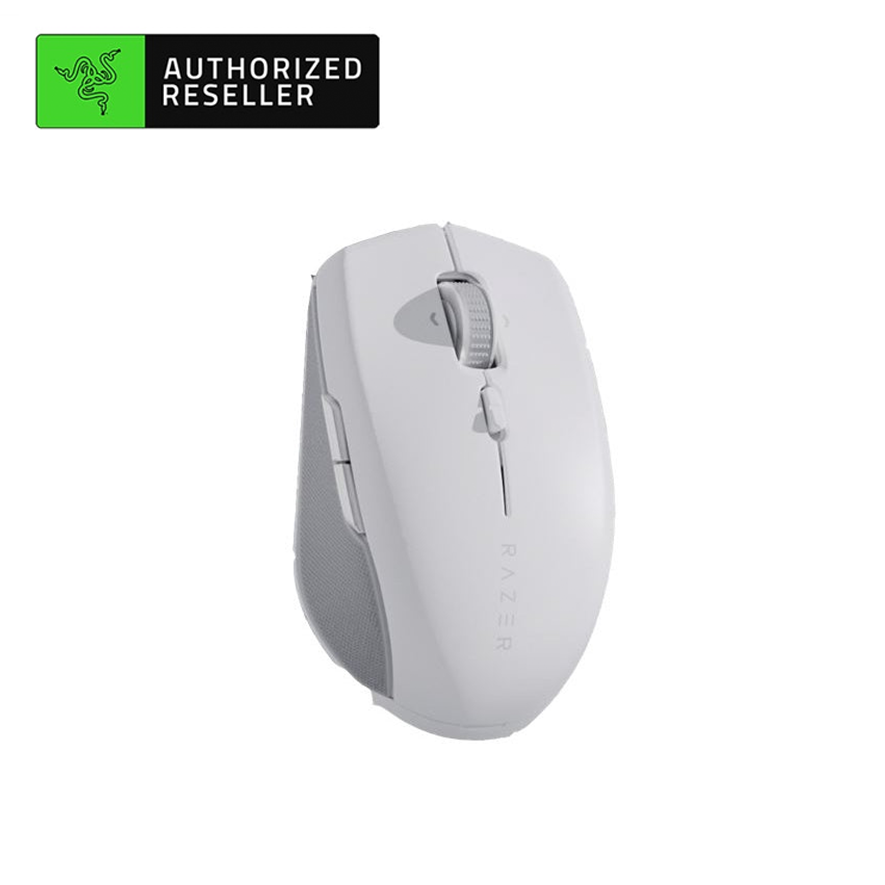
Who should buy: People who carry a mouse between office, home and laptop bags, or need one compact mouse for several devices. Its ambidextrous shell is more flexible than the two Logitech shapes.
Verified specifications
100.2 x 62.7 x 34.2 mm; 88 g with one AA or 111 g with two; 12,000 DPI optical sensor; HyperSpeed 2.4 GHz and Bluetooth; seven programmable buttons; silent mechanical switches rated 15 million clicks; tilt and free-spin scroll; up to 465 hours on 2.4 GHz or 725 hours on Bluetooth.
Pros
- Small bag-friendly body with unusually capable scrolling.
- Seven programmable buttons and up to four paired devices.
- Silent switches and long AA endurance.
Cons
- Compact low shell gives less palm support for big hands.
- AA batteries add weight and there is no USB-C charging.
- Razer Malaysia listing was sold out when checked, so availability needs confirmation.
Practical experience: The Mini makes sense for a hot-desk setup: Bluetooth avoids a dongle, while HyperSpeed is available when latency matters. Free-spin scrolling is useful for long documents, but the short body encourages fingertip or claw grip rather than a full palm. At about RM398–441, it competes with the MX Master 3S instead of being a cheap mouse; the price pays for buttons, compactness and dual wireless modes. Razer’s Malaysia store states a two-year warranty, but check stock and exact RZ01-03990100-R3A1 listing before checkout.
Final verdict
Best overall: MX Master 3S for a right-handed desk setup. Best ergonomic intervention: Lift for small-to-medium hands wanting a more upright wrist. Best situational pick: Pro Click Mini for compact travel and multi-device control. No mouse cures pain; persistent discomfort deserves a proper workstation and medical advice.
FAQ
Is vertical always better?
No. It can reduce forearm rotation, but fit and gradual adaptation matter. Try short sessions first.
Which is best for Mac and Windows?
All three support common desktop platforms, but custom button features depend on the manufacturer’s software.
Should I buy from Shopee?
Yes, if the seller is authorised or clearly states Malaysia warranty, serial support and return terms. Compare the final voucher price only after checking those details.
Disclosure: this article contains affiliate placeholders. Prices and stock change.
Pingback: 2026年9月:马来西亚人体工学滑鼠比较——MX Master 3S、Lift 与 Pro Click Mini - Eazy Picks