
A second screen is useful only if you will actually carry it. Our portable-monitor shortlist separates three very different purchases: the lightweight ViewSonic VA1650 at RM369, the larger Acer PM191Q Ebmiuux at RM399, and the folding dual-screen ViewSonic VG1457 at RM1,379. Prices and purchasable variants were checked against ALL IT Hypermarket Malaysia on 20 October 2026. The VG1457 is explicitly a 14-day pre-order, not ready stock.
Our overall pick is the Acer PM191Q Ebmiuux for a bag large enough to take it. Just RM30 above the VA1650 buys an 18.5-inch panel and 100Hz rather than a 15.6-inch 60Hz display. Choose the VA1650 instead when commuting weight matters more than screen area. Reserve the VG1457 for a demonstrated dual-screen workflow, after checking its operating-system restrictions. This is a source-based buying comparison, not a claim of hands-on testing or measured colour calibration.
Compare the actual screens, not the marketing size class
| Model | Checked offer | Viewable display | Resolution / refresh | Video connections | Decision point |
|---|---|---|---|---|---|
| ViewSonic VA1650 | RM369; available | 15.6-inch single IPS | 1920×1080 / 60Hz | HDMI and USB-C video | 0.7kg listed net weight; easiest carry |
| Acer PM191Q Ebmiuux | RM399; available | 18.5-inch single IPS | 1920×1080 / up to 100Hz | HDMI 1.4 and two USB-C ports | Bigger workspace, bigger bag |
| ViewSonic VG1457 | RM1,379; 14-day pre-order | Two 14-inch IPS panels | 1920×1200 each / 60Hz | Two video USB-C; separate power USB-C | Multiple windows; verify host support first |
ViewSonic VA1650: the carry-first value option
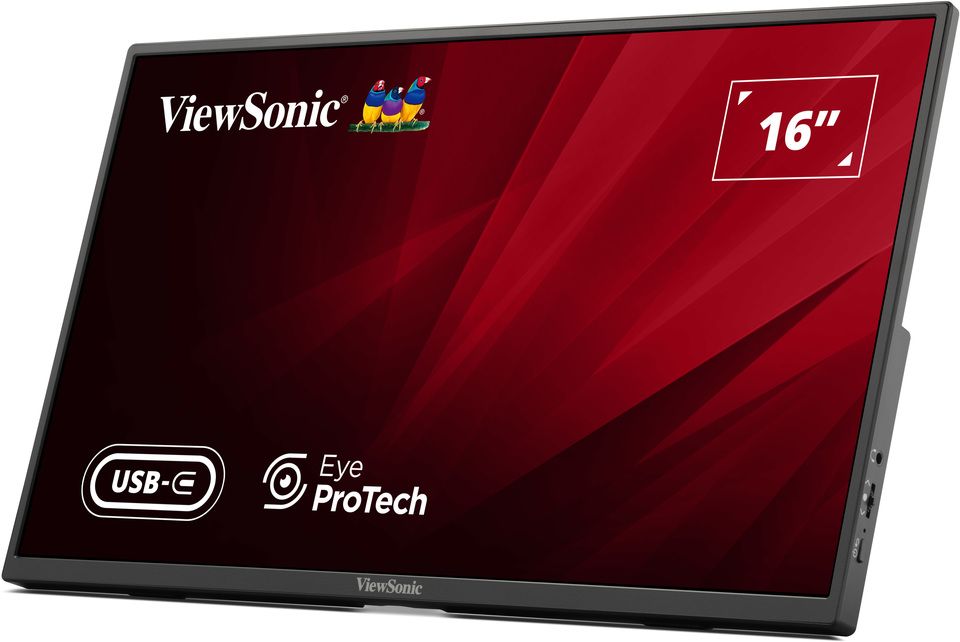
The “16-inch” class label does not mean a 16-inch viewable panel: ViewSonic specifies 15.6 inches, Full HD, IPS and 60Hz. Its 0.7kg net weight is the strongest reason to choose it over the Acer. A laptop plus this display remains a different commuting proposition from adding a larger 18.5-inch panel, even though the shelf prices are close. The foldable stand and included sleeve suit a screen that repeatedly goes into a work bag.
HDMI gives you an alternative when your laptop lacks video-capable USB-C. The USB-C video connection requires DisplayPort Alt Mode; a charging socket with the right shape is not enough. ViewSonic also distinguishes the power-only USB-C input. Its power-delivery language does not mean the panel generates laptop charging power by itself: an external adaptor is required for power charging, and the published box list includes a USB-C cable and sleeve, not a promised charger.
Pros
- Lowest verified offer and a documented 0.7kg net weight.
- HDMI plus USB-C makes it less dependent on one connection type.
- Included sleeve and stand support regular packing away.
Cons
- 60Hz and Full HD prioritise office tasks, not high-refresh gaming.
- Published 64% sRGB gamut coverage is not a colour-critical editing recommendation.
- Confirm the HDMI cable and power solution you need rather than assuming everything is bundled.
Buy it for email, reference documents and a light second screen during travel. Avoid it if you mainly need large, comfortably readable spreadsheet cells and will rarely move the display: the Acer’s RM30 premium is more compelling there.
Acer PM191Q Ebmiuux: the best screen-area upgrade near this price
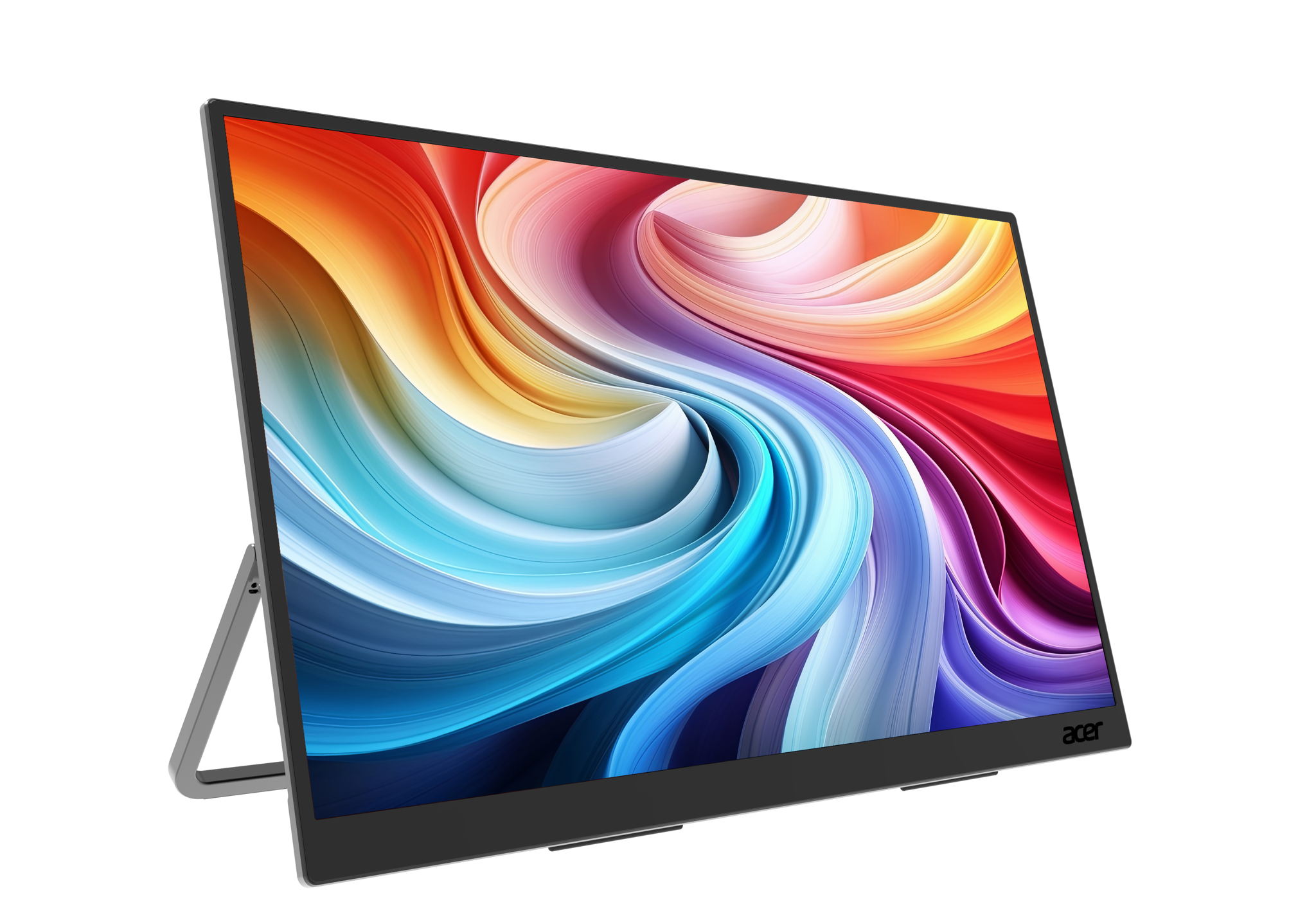
The Acer offers 18.5 inches at the same 1920×1080 resolution as the VA1650. That makes the physical workspace larger, not the number of pixels higher. At an unchanged scaling setting, interface elements become physically bigger; you should not buy it expecting the detail density of a QHD desktop screen. Its advertised 100Hz ceiling adds a smoother refresh option for scrolling and compatible content, but must be selected on a host and connection that support it.
Acer’s exact Ebmiuux specification lists IPS, HDMI 1.4, two USB-C ports and a 75×75mm VESA pattern. The Malaysian retailer names the same suffix and EAN 4711474629210. Do not accidentally order a different PM1-series size or the smaller PM161Q. Manufacturer and retailer descriptions differ on brightness and speaker power, so those disputed figures are deliberately not used to rank this purchase. Confirm the Malaysian unit’s label if either matters to you.
Advantages
- Only RM30 more than the smaller ViewSonic at these checked offers.
- 18.5-inch picture and up-to-100Hz refresh serve a desk that moves between locations.
- HDMI and USB-C options plus VESA support broaden setup choices.
Drawbacks
- Acer lists about 2.49lb, roughly 1.13kg, before adding your cables and power accessories.
- The larger panel needs a suitably sized protective bag and more table space.
- Not a substitute for high-resolution desktop detail or independently calibrated colour.
Choose it for hotel-desk work, temporary office setups and a clearer physical view of a reference page beside your laptop. Skip it for daily walking commutes with a small laptop sleeve. Its value comes from using the extra size, not merely getting a higher specification number.
ViewSonic VG1457: pay for two panels only when both will work
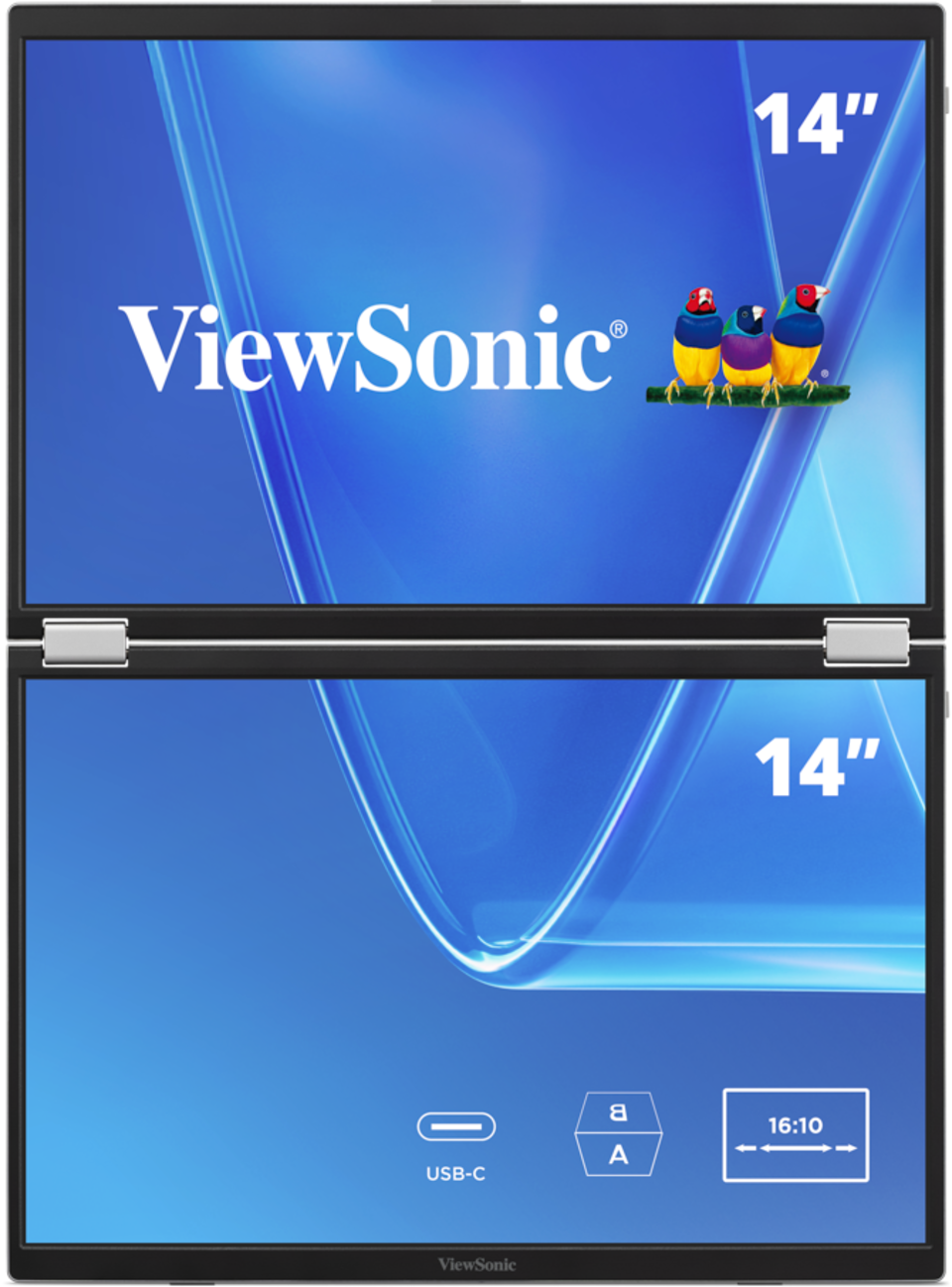
The VG1457 is not a slightly upgraded single screen. It folds two 14-inch, 1920×1200, 16:10 displays into one unit, with mirror, extend, dual-source and sharing arrangements. The extra vertical pixels per panel can help with document and code layouts, while 340-degree Share Mode lets the upper display face somebody across a table. That hinge does not erase the join between panels; “Full Screen” mode is not a seamless physical sheet of glass.
The crucial limitation is in ViewSonic’s own notes: using Extend on macOS, iOS, iPadOS or Android displays content only on the lower screen. Do not infer two independent extended screens simply because a Mac has USB-C. USB-C1 feeds the upper screen only; USB-C2 can feed both. The manufacturer calls for at least 15W for one screen and 30W for two, with external power on USB-C3 when the host cannot provide enough. Up-to-65W charging also depends on the actual power arrangement.
Pros
- Two taller-aspect panels, flexible display modes and face-to-face sharing.
- Separate power input and two video USB-C ports offer a deliberate mobile workstation design.
- Official package lists an adaptor, two USB-C cables and a sleeve.
Cons
- RM980 above the Acer, with a stated 14-day pre-order lead time.
- OS and USB-C routing restrictions can defeat the intended three-screen laptop setup.
- No HDMI input is listed; 60Hz and 64% sRGB coverage are not premium gaming or colour-work credentials.
It makes sense for a compatible Windows workflow that genuinely needs separate information panes or two connected sources. Avoid ordering it on specification alone for a Mac or a trip next week. Ask the seller to demonstrate your host, cable routing and intended mode before paying.
Malaysia buying checks and final choice
ALL IT lists three-year warranties on these offers. That is a retailer-listed term, not a promise of on-site service, panel-damage cover or a universal manufacturer policy. Confirm the actual service location and who pays for both directions of warranty freight. For Kuching or elsewhere in Sarawak, obtain the freight quote, local service route and dead-pixel policy in writing; no East Malaysia delivery price or arrival date was verified here. Confirm the VG1457 pre-order timing separately.
Use the checked prices as a baseline, not an assumed voucher stack. Verify the exact model on the invoice, local warranty eligibility, included power adaptor, video-capable cable and return terms. A blank screen caused by a charging-only USB-C port is not solved by buying the most expensive monitor. Check your laptop’s manual for DisplayPort Alt Mode and, for dual-screen use, the operating-system restrictions above.
Verdict: buy the RM399 Acer if its physical size fits your travel setup; keep the RM369 VA1650 for the lighter bag. Spend RM1,379 on the VG1457 only after proving that your actual host can run the layout you need and accepting the pre-order wait. Paying for two panels that your system cannot extend is the most avoidable mistake in this comparison.
Sources: ALL IT VA1650 offer; ALL IT Acer offer; ALL IT VG1457 pre-order; Acer exact-model specification. Manufacturer image sources are credited beside each photograph. Checked 20 October 2026.
Pingback: 马来西亚便携屏怎么选:VA1650、Acer PM191Q 与 VG1457 对比 - Eazy Picks