
A first gaming laptop often becomes the only screen on the desk. That’s why these three RTX 5050 machines deserve a comparison beyond the GPU badge: the Acer gives you a straightforward 1080p panel, the ASUS goes taller, and the MSI puts more pixels and more storage inside the laptop. This guide compares Malaysian configurations on paper. It does not rank measured frame rates, acoustics or battery life.
| Model | Processor | Built-in screen | RAM / SSD | MY reference price |
|---|---|---|---|---|
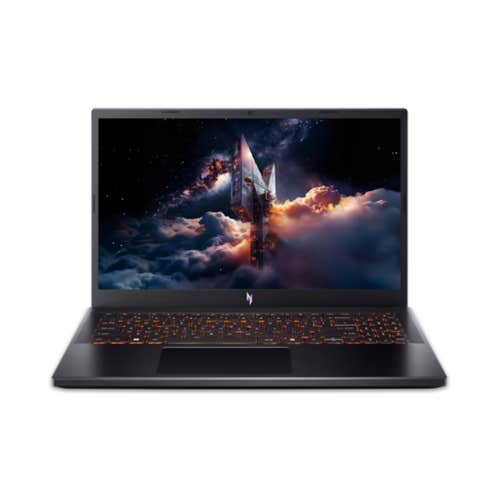
| Acer Nitro V 15 ANV15-52-529N | Intel Core i5-13420H | 15.6″ FHD (1920 × 1080), 180 Hz | 16 GB / 512 GB | RM5,099 |
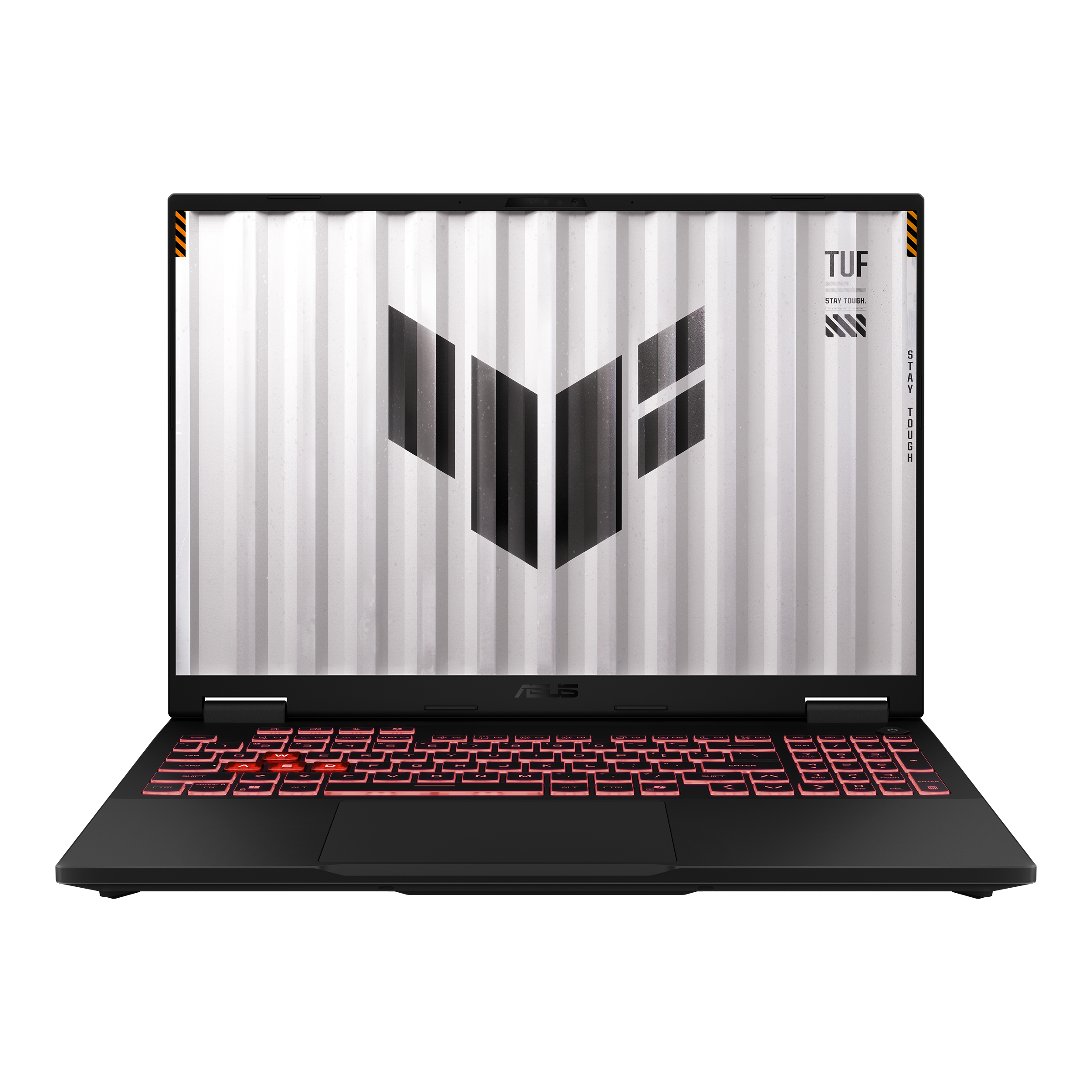
| ASUS TUF Gaming A16 FA608U-HRV068W | AMD Ryzen 7 260 | 16″ WUXGA (1920 × 1200), 165 Hz | 16 GB / 512 GB | RM6,029 |
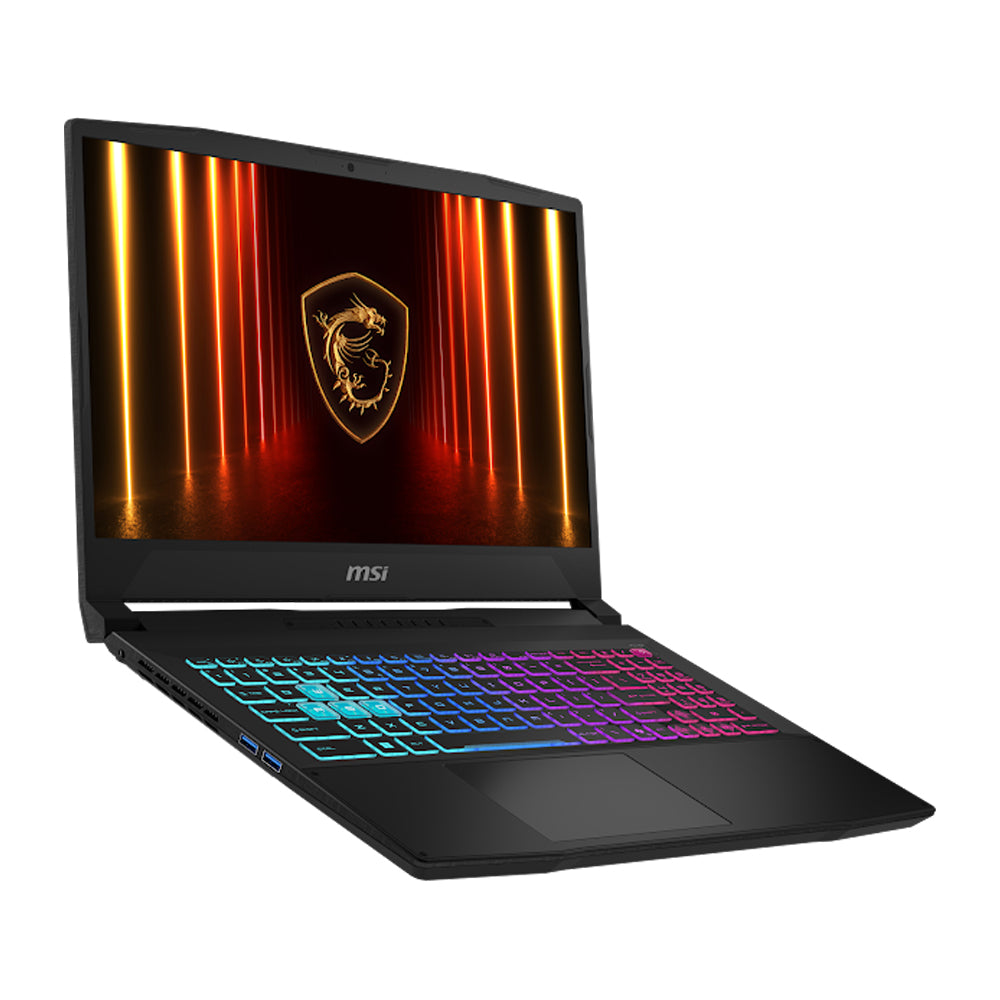
| MSI Katana 15 HX B14WEK-432MY | Intel Core i9-14900HX | 15.6″ QHD (2560 × 1440) | 16 GB / 1 TB | RM6,299 |
Prices were checked on 23 November 2026. These are references, not confirmed stock, shipping or checkout prices. All three use the RTX 5050 Laptop GPU.
Acer at 1080p: the advantages of keeping it simple
The Nitro V 15 ANV15-52-529N has a Core i5-13420H and a 15.6-inch 180 Hz Full HD screen. The lower native resolution makes it the one I’d shop first if the brief is 1080p gaming on a tight budget. The 180 Hz number is the panel’s refresh rate, not a claim that every game will run at 180 frames per second. Its weak point is the 512 GB SSD: if big game installs stay on the machine alongside schoolwork, check upgrade costs before banking the full saving. Skip it if the built-in screen is also your main canvas for editing.
Best overall for a shared work and gaming desk: ASUS
The Ryzen 7 260 TUF A16 gives you a 16-inch, 1920 × 1200 screen at 165 Hz. The extra 120 vertical pixels over Full HD leave room for more of a document, timeline or spreadsheet without stepping all the way up to QHD for games. That’s the reason to pay RM930 more than the Nitro reference; the SSD is still 512 GB. If you’ll immediately connect a monitor and rarely use the laptop’s own display, that premium is harder to justify.
MSI: the extra workspace and its drawbacks
The Katana B14WEK-432MY pairs a Core i9-14900HX with a 15.6-inch QHD panel and a 1 TB SSD. At the listed reference it costs RM270 more than the ASUS. Buy it if a larger game library or sharper workspace matters more than the ASUS’s taller aspect ratio. Don’t assume the i9 and higher resolution make it the fastest game machine: rendering at native QHD asks more of the GPU. If you mostly play demanding titles on the built-in screen and prefer simpler settings at native resolution, use the Acer or ASUS as your starting point.
How I’d place the order
For Kuching, ask for the exact SKU on the invoice, a delivered total and who handles service for the Malaysian set. Compare laptop GPU power limits and game-specific benchmarks for that configuration if performance is the deciding factor. I’d shortlist the Acer for price, select the ASUS when one screen must do both jobs, and opt for MSI only if I’d use both the QHD workspace and the 1 TB drive.
Malaysian price and specification sources
- Acer Nitro V 15 ANV15-52-529N · NCS Malaysia
- ASUS TUF Gaming A16 FA608U-HRV068W · Thunder Match
- MSI Katana 15 HX B14WEK-432MY · MSI Malaysia (SRP)
Manufacturer product photos
Pingback: Laptop RTX 5050: pilih ikut ruang kerja dan saiz koleksi game - Eazy Picks
Pingback: 同样是 RTX 5050,大马三款游戏笔电该为哪块屏加钱? - Eazy Picks